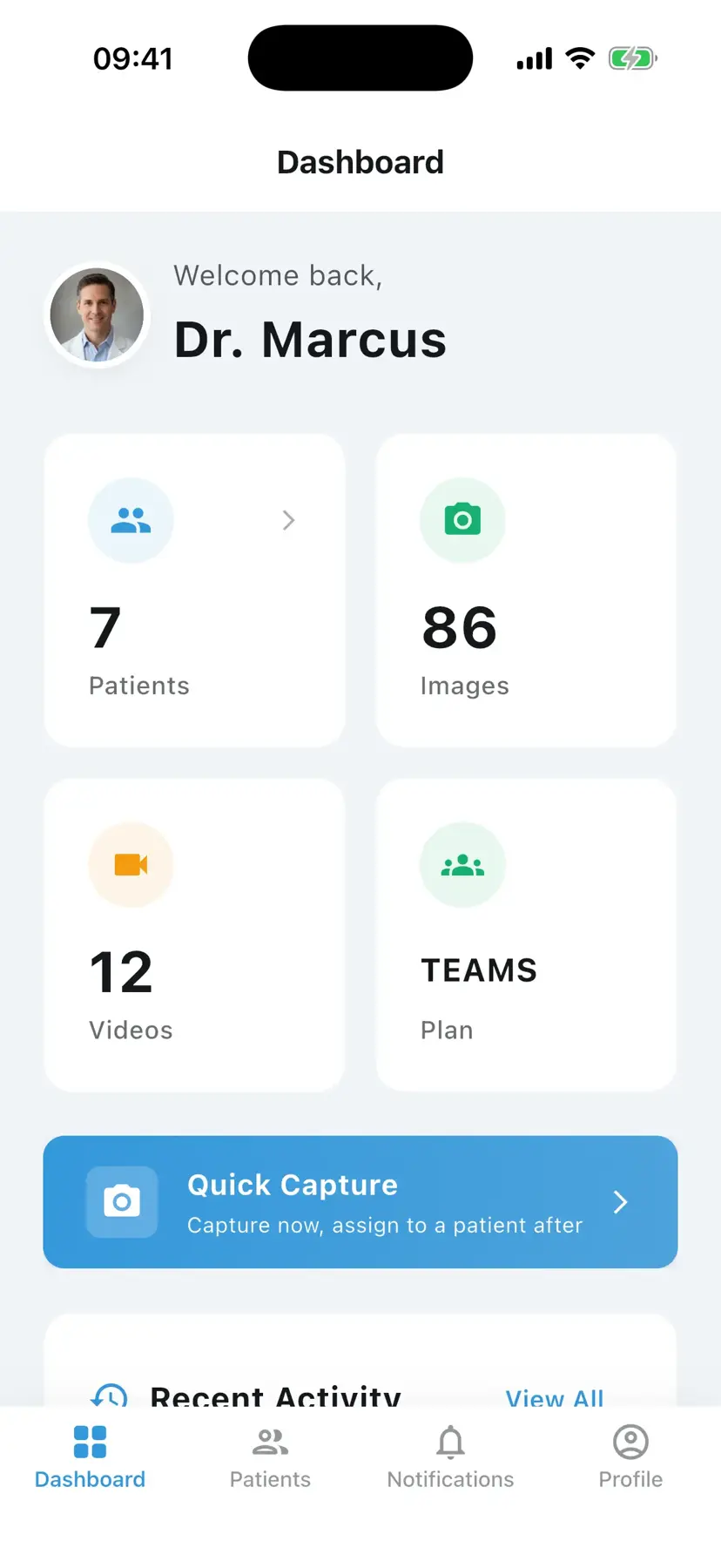
Keep patient photos out of your personal gallery
A medical photo documentation app for capturing and comparing before-and-after photos, organized by visit. Document progress, build a patient report, and share the case in one workspace.
EU-hostedEncrypted in transit & at rest
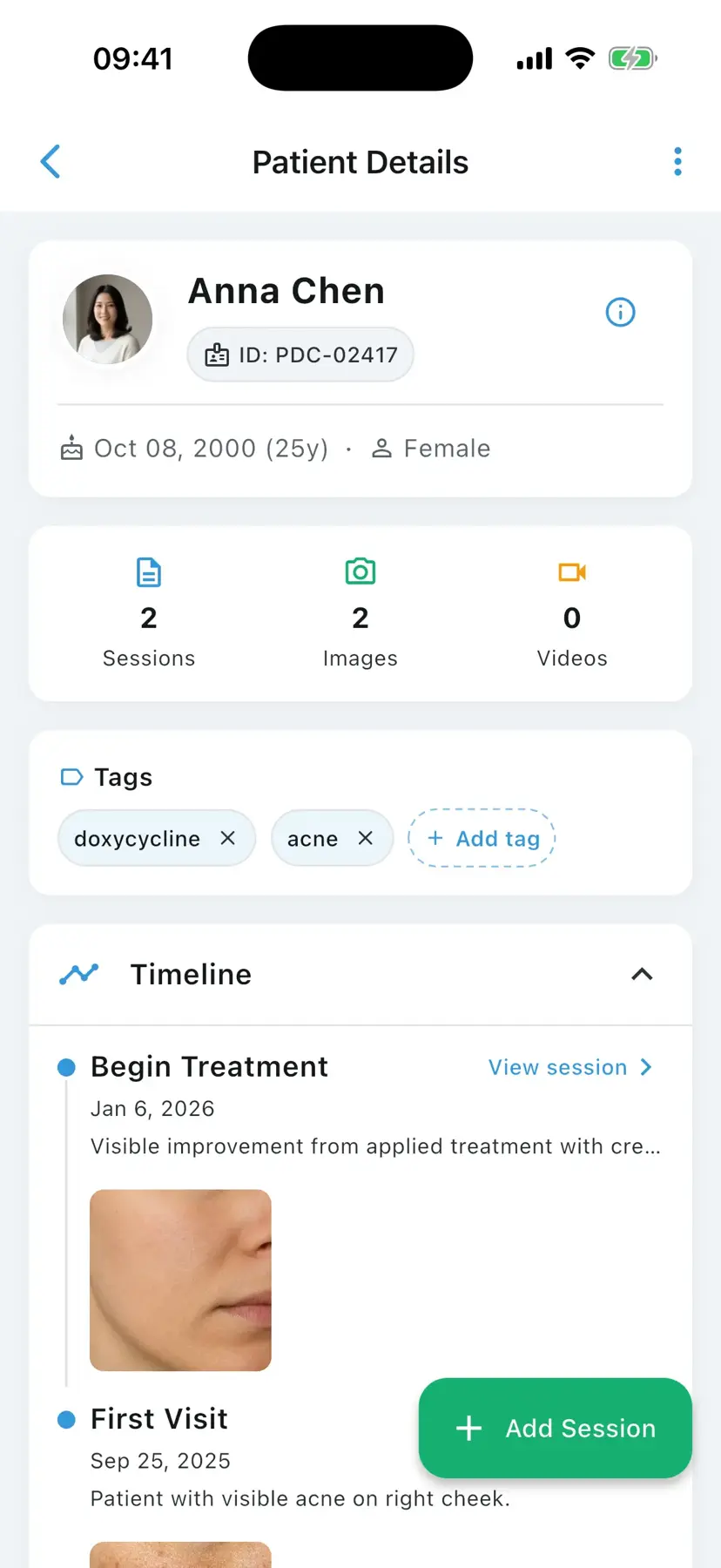


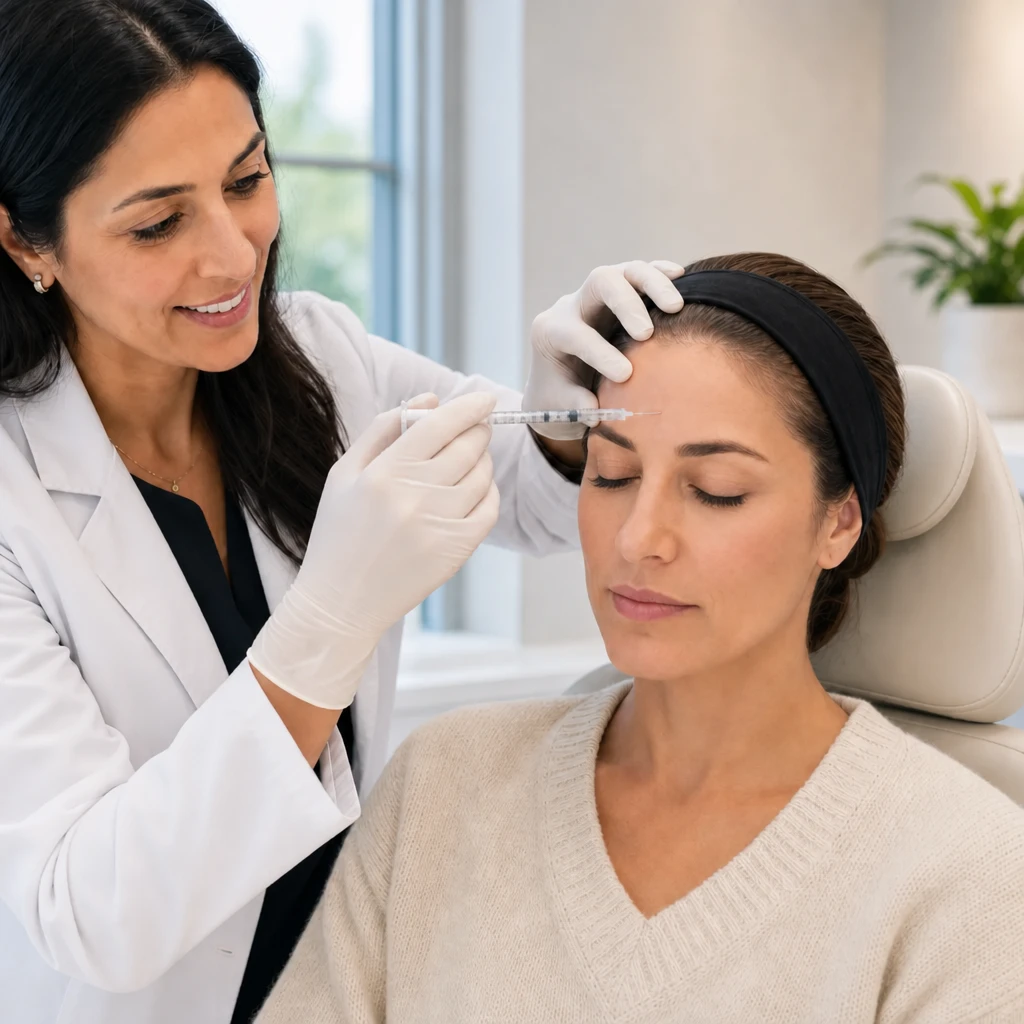
Your patient photos don't belong next to your holiday pictures
If you document progress on your phone, you know these moments.
Scrolling forever to find one before/after from three visits ago.
Every photo organized on the right patient's timeline.
Swiping past personal photos in front of a patient.
A dedicated clinical workspace — completely separate from your personal gallery.
Sharing cases by email or WhatsApp.
Send a case securely, with control over exactly who sees what.
Putting together progress summaries by hand for patients or referrers.
Generate a patient report from selected sessions — you choose every page.
From first photo to follow-up — one workflow
Seven steps take a session from capture to a progress story your patients understand.
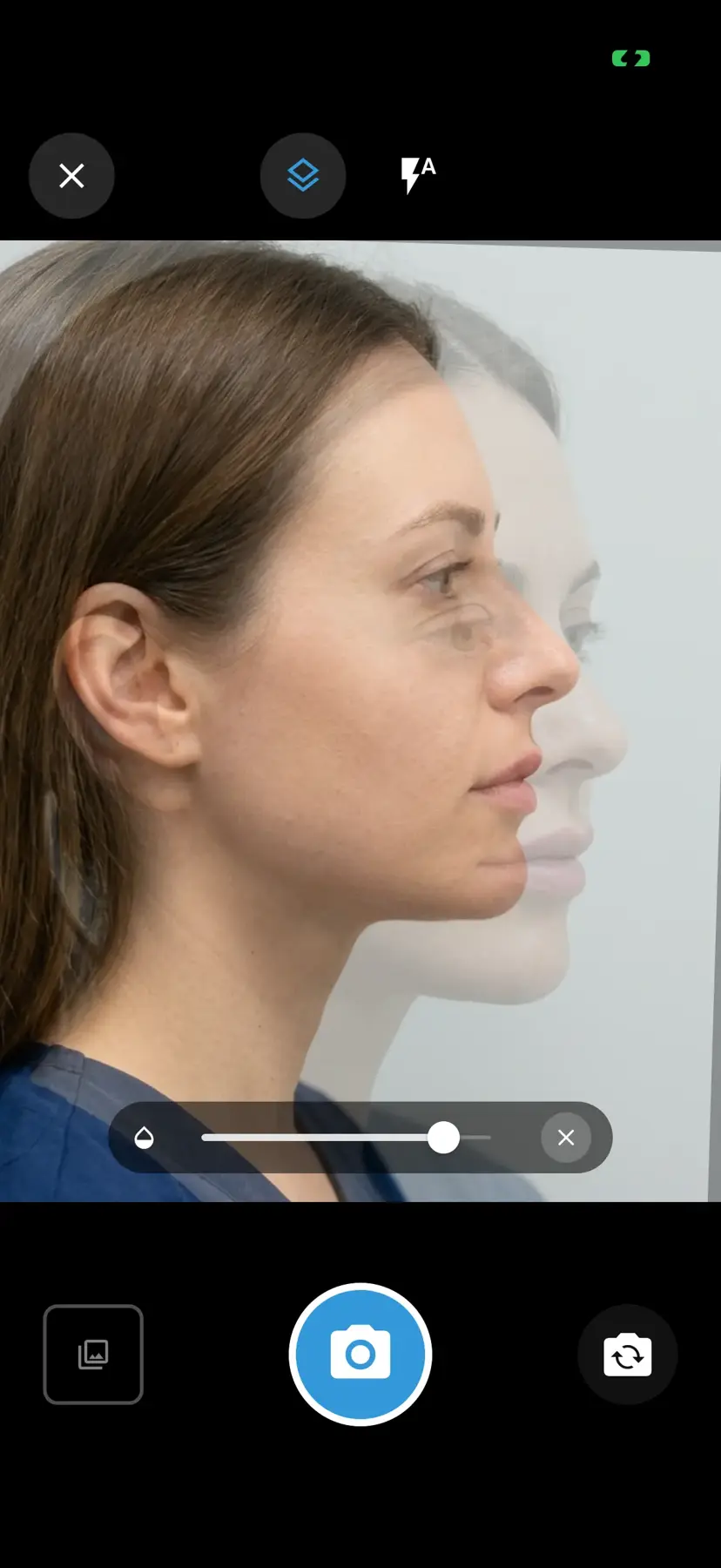
Line up every shot with ghost overlay
Overlay the previous photo as a semi-transparent guide on the camera viewfinder, so this visit's photo matches the last — same angle, same framing, same distance. Gradual results become obvious when every photo lines up.
Annotate what matters. Blur what shouldn't be stored.
Mark areas of clinical interest or blur identifying features directly on the image — before it's ever saved to the session.
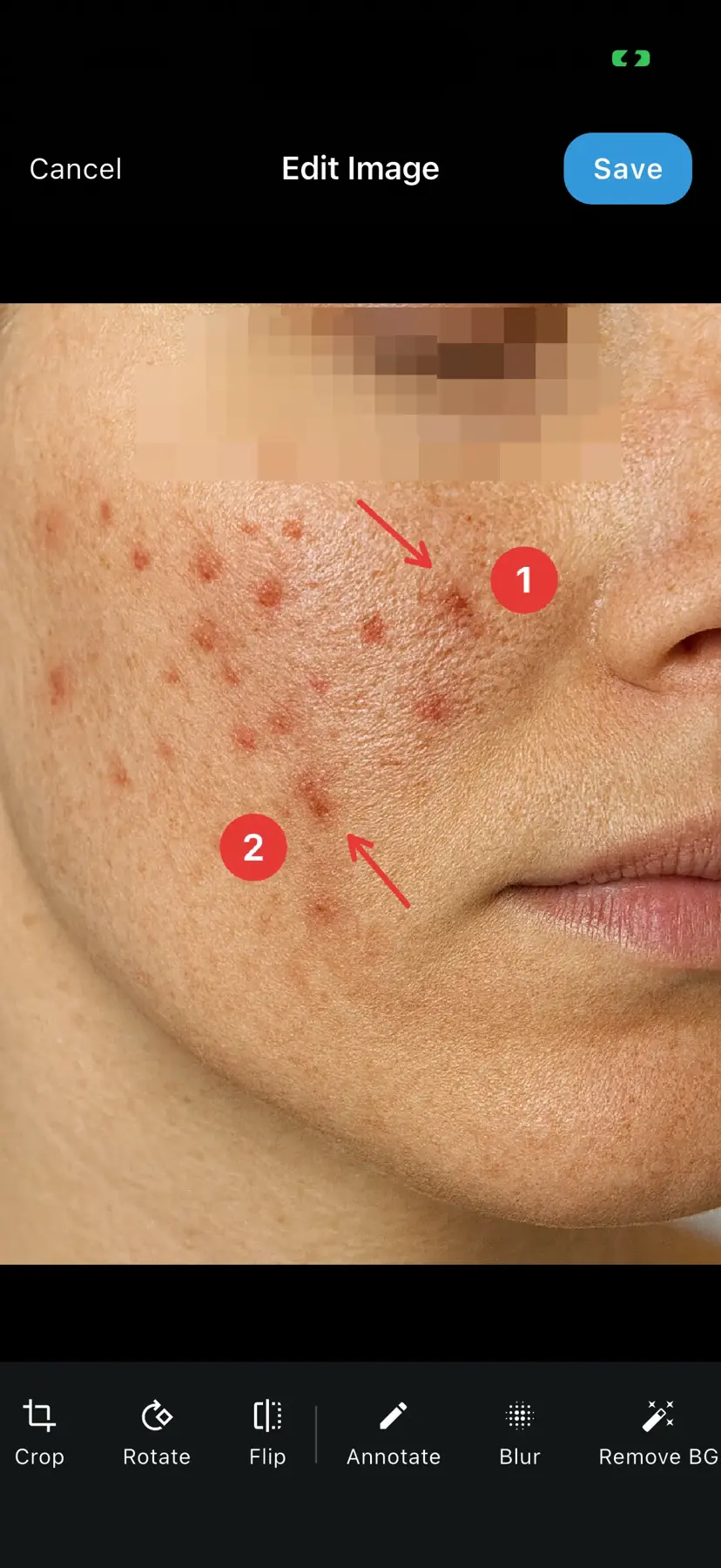
Cleaner clinical photos — without the clutter
Remove busy backgrounds on-device before the image is saved to the session, so documentation stays focused on what matters clinically.


A patient list that keeps up with your practice
Tags, status labels, and last-seen sorting keep every patient findable — whether you see ten patients or a few hundred. Pause a session mid-visit and pick it up later as a draft.
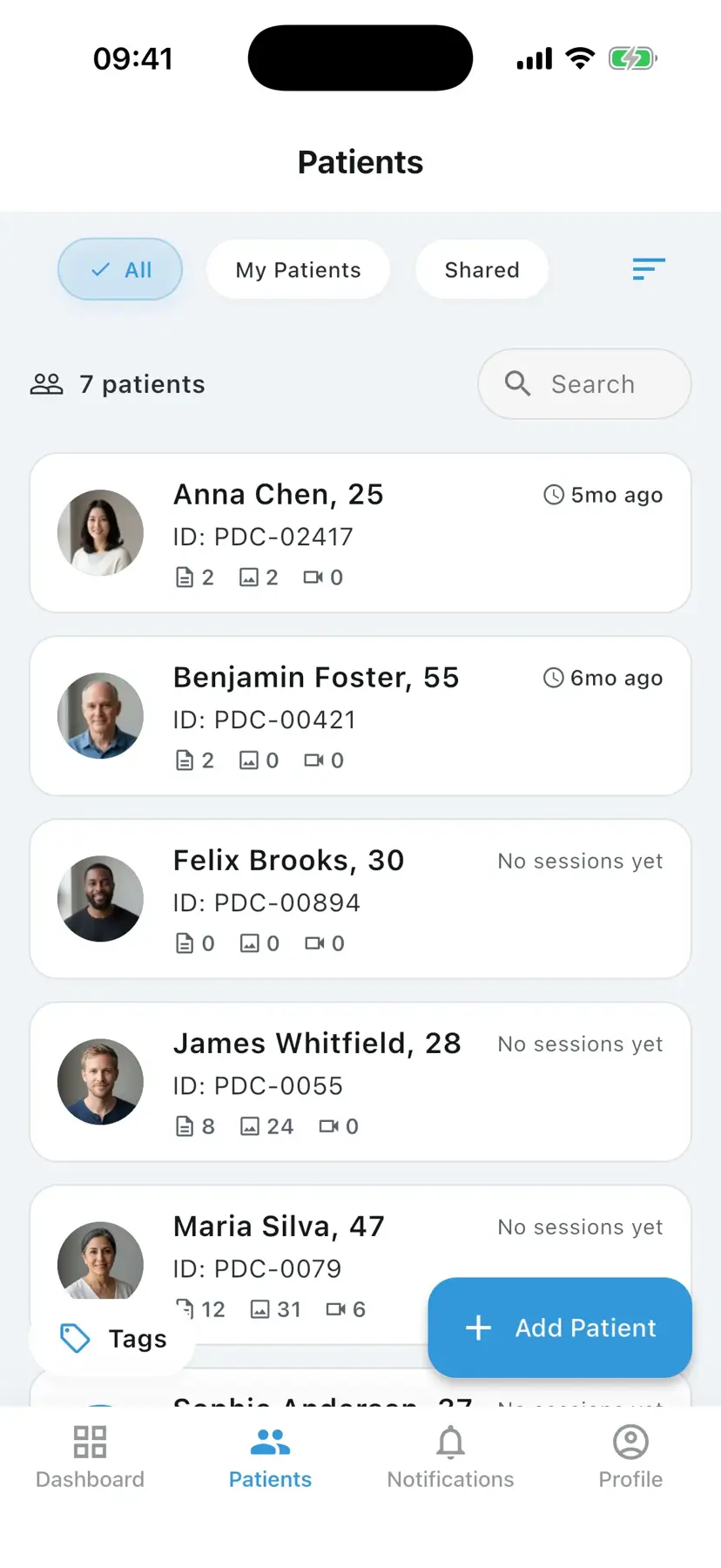
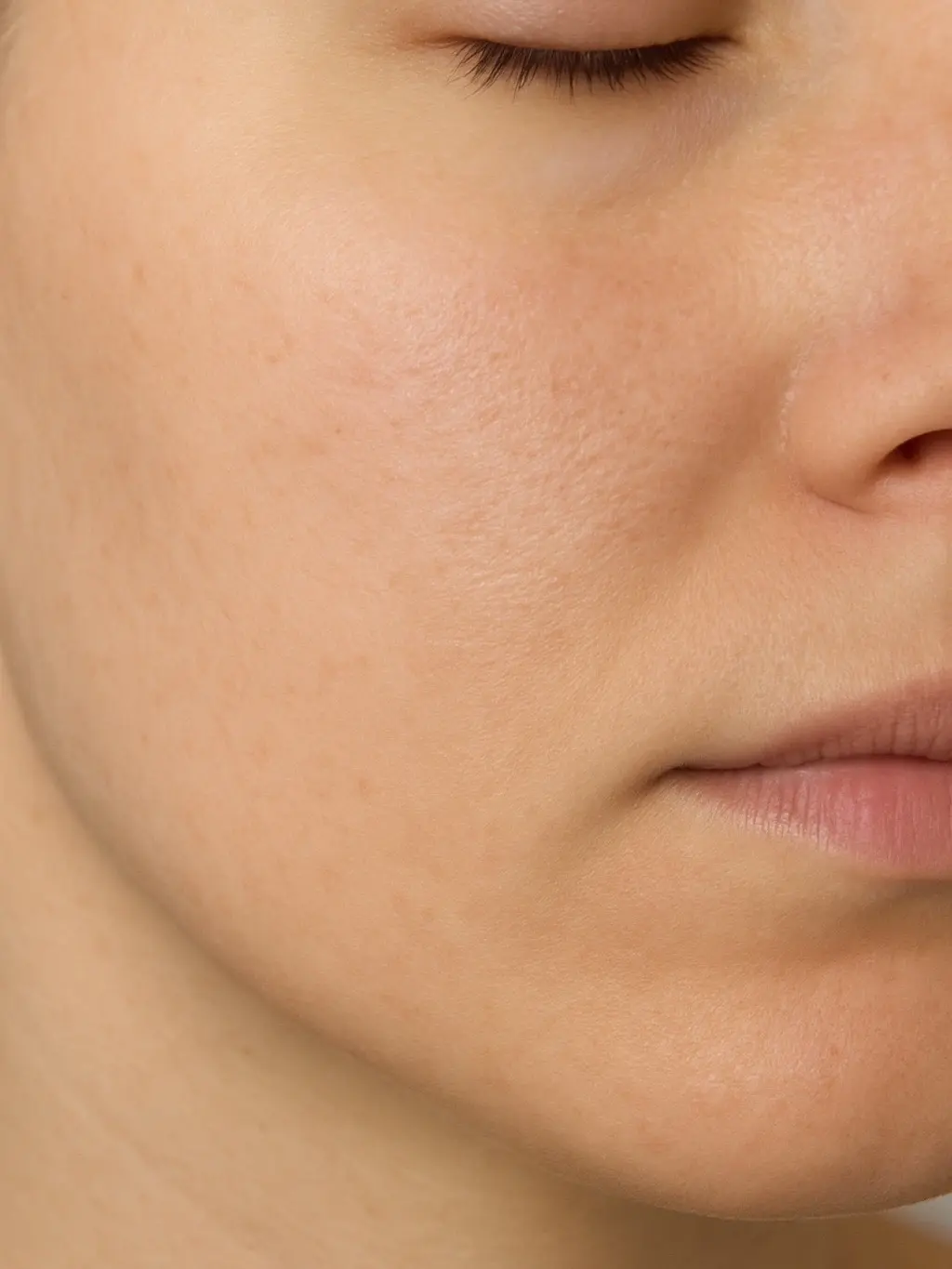
Show progress patients can actually see
Slide between before and after in the consult, or switch to side-by-side, Hero, and 2×2 layouts when you need more of the story in one view. Patients forget their "before" — PixioDoc makes the difference impossible to miss.
Try it — drag the slider.

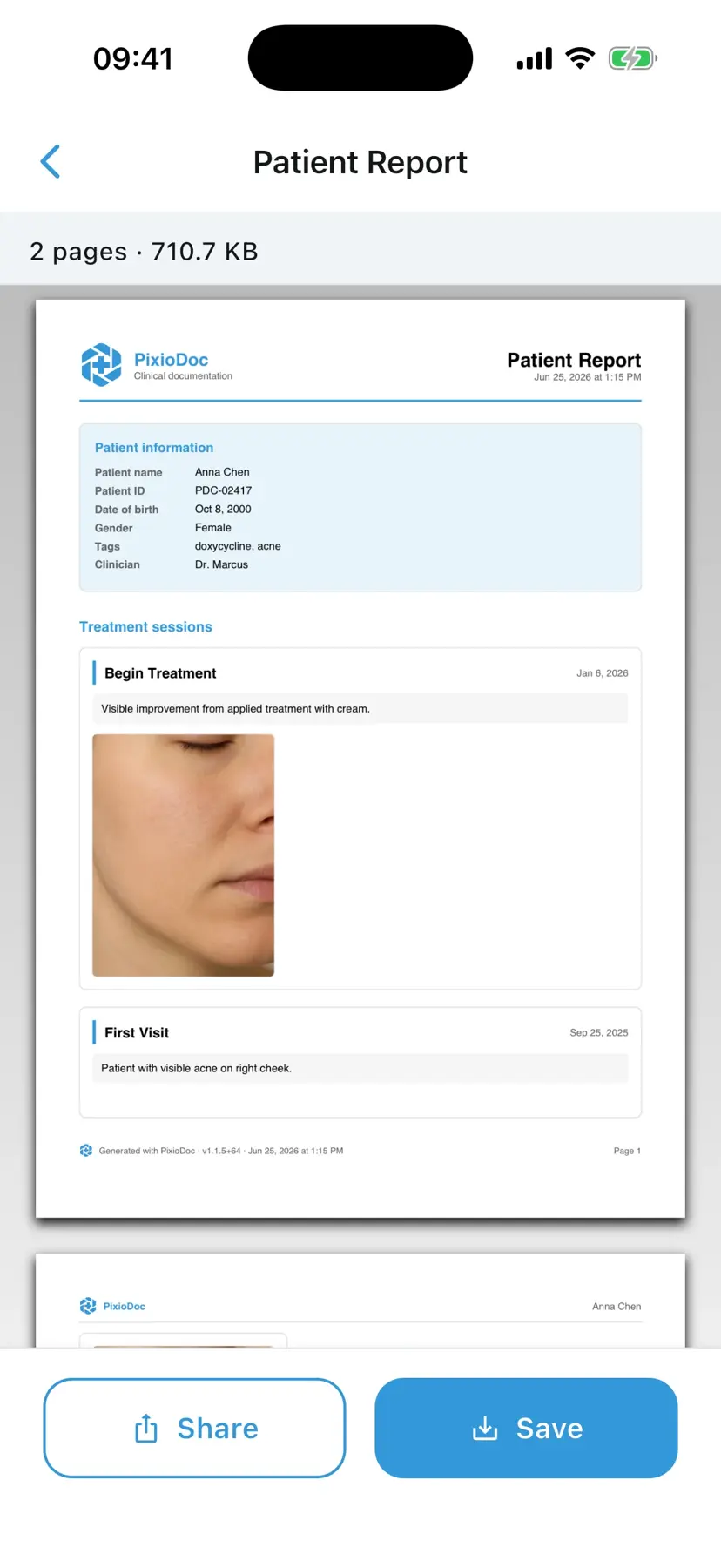
Build a patient report. You choose every page.
Generate a PDF from a patient's sessions — choose which visits and images to include, then share with the patient, a referrer, or another professional.
One patient record, contributions from your whole team
Invite a colleague to a patient with Viewer, Editor, or Admin access — so the right people can review, contribute, or manage who sees the record. Every photo lands in the same timeline, instead of scattered across texts and email threads.
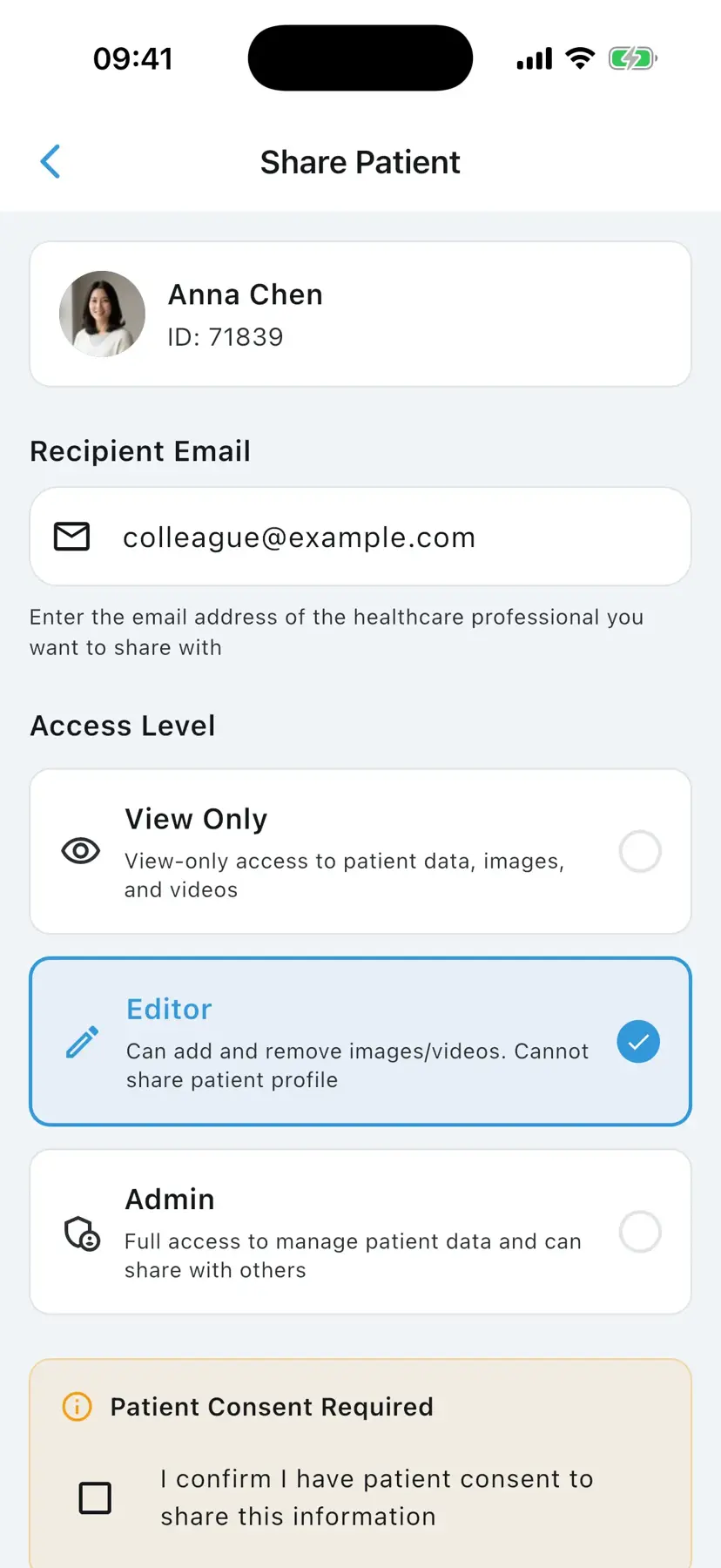
One patient record, everywhere
Capture on your phone or tablet, and open the same patient record on the web.
In the consult room
Capture follow-ups on your phone with ghost overlay for consistent framing.
Between visits
Compare before-and-afters on tablet so progress is obvious to you and the patient.
At your desk
Open the same patient record on web to review, report, and share.


Built with security and privacy at its core
Your patient photos stay encrypted, private, and separate from your personal gallery.
EU-hosted & encrypted
Patient data is hosted in the EU — encrypted at rest and in transit.
Audit trails
Every access and change is tracked, so accountability is built in.
Biometric lock
Face ID or fingerprint unlock, plus an automatic 15-minute inactivity lock.
Privacy blur
Blur identifying features on an image before it's ever saved.
Built for clinicians who document patient progress
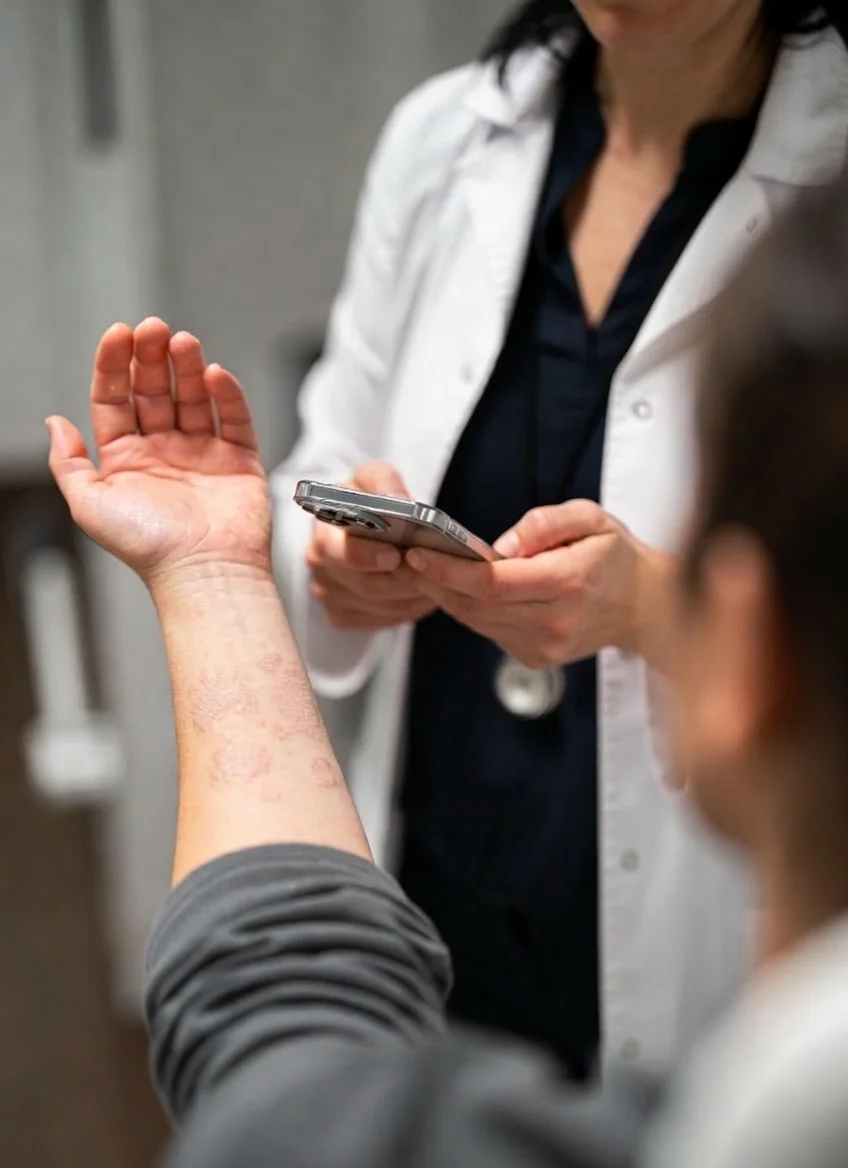
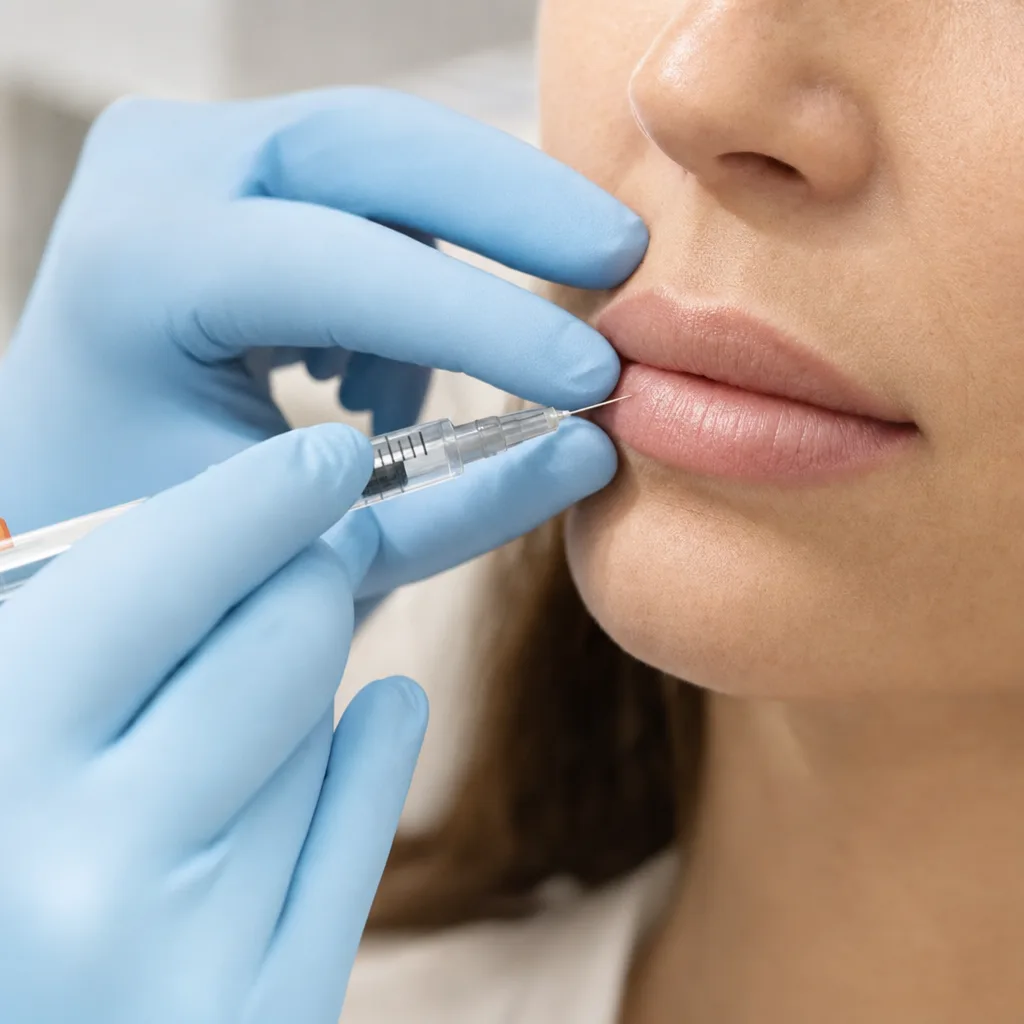
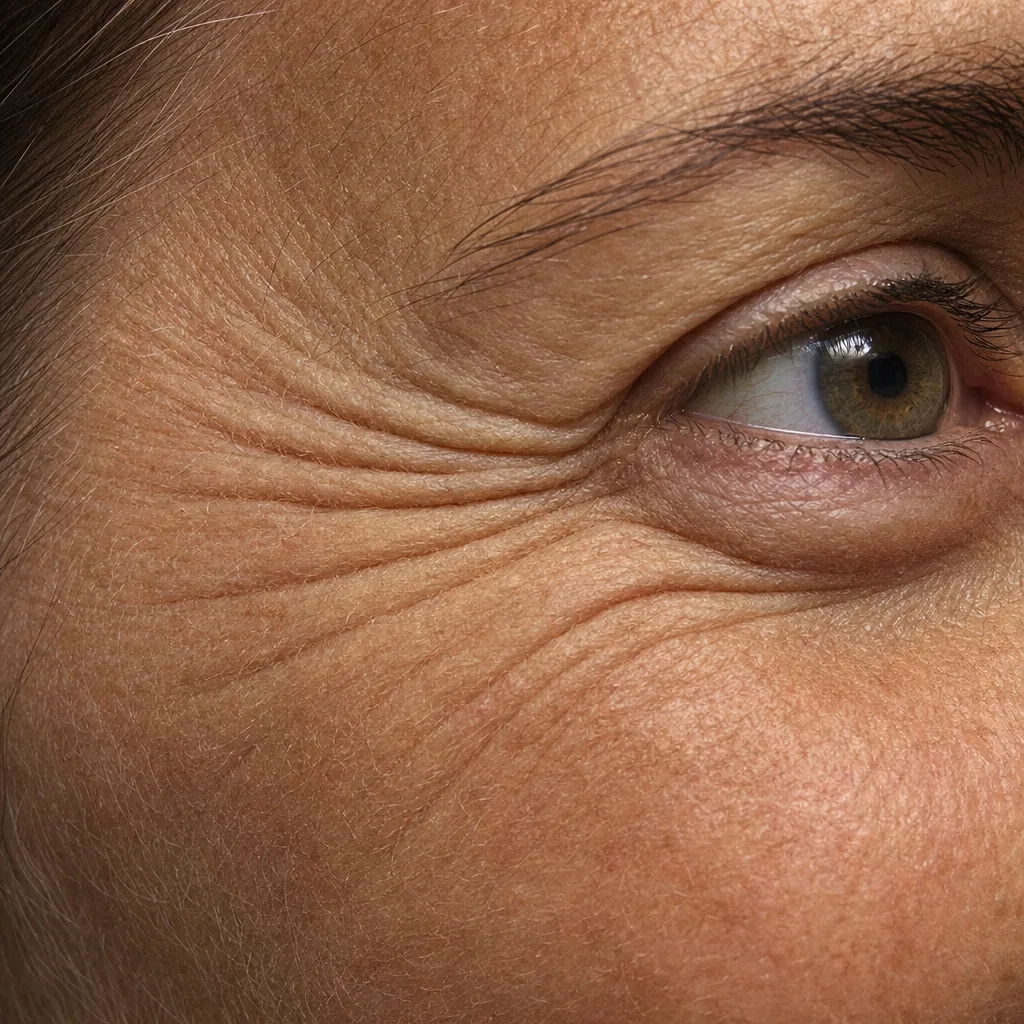
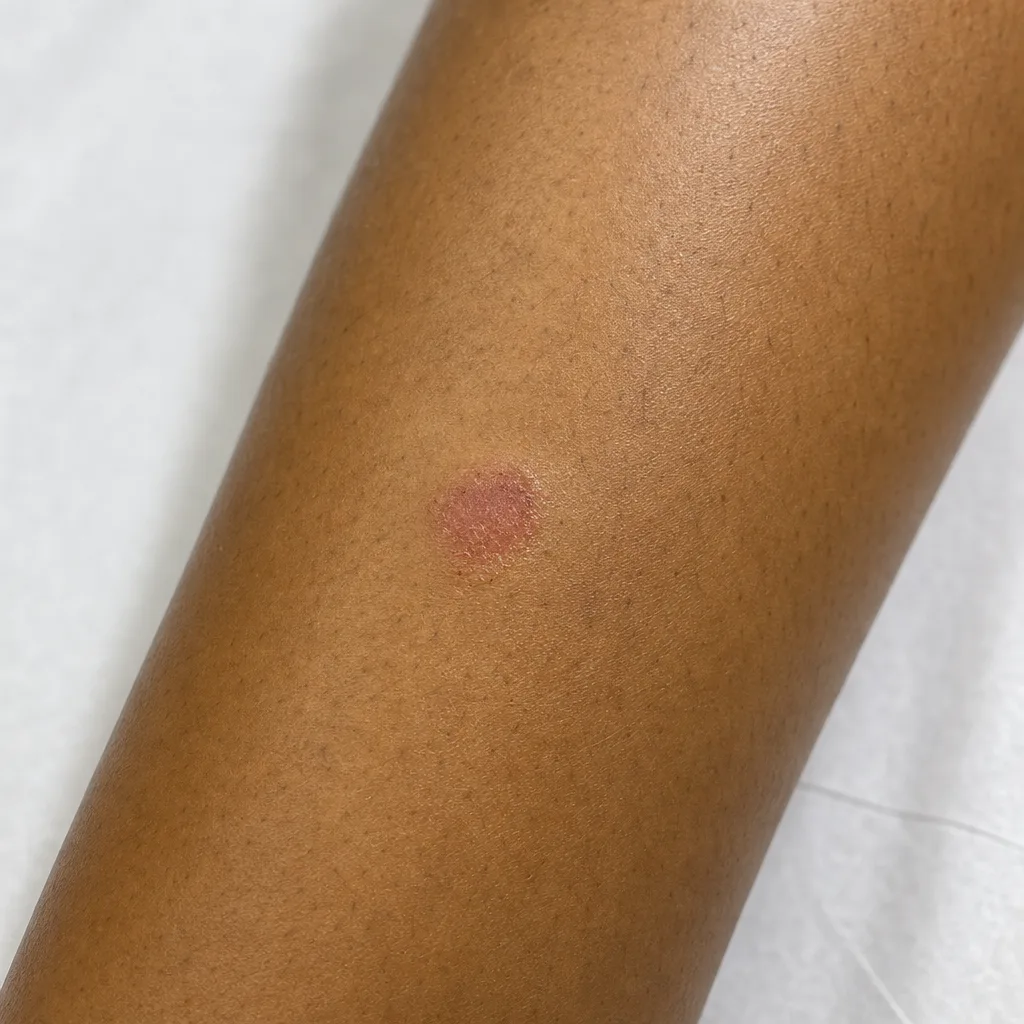
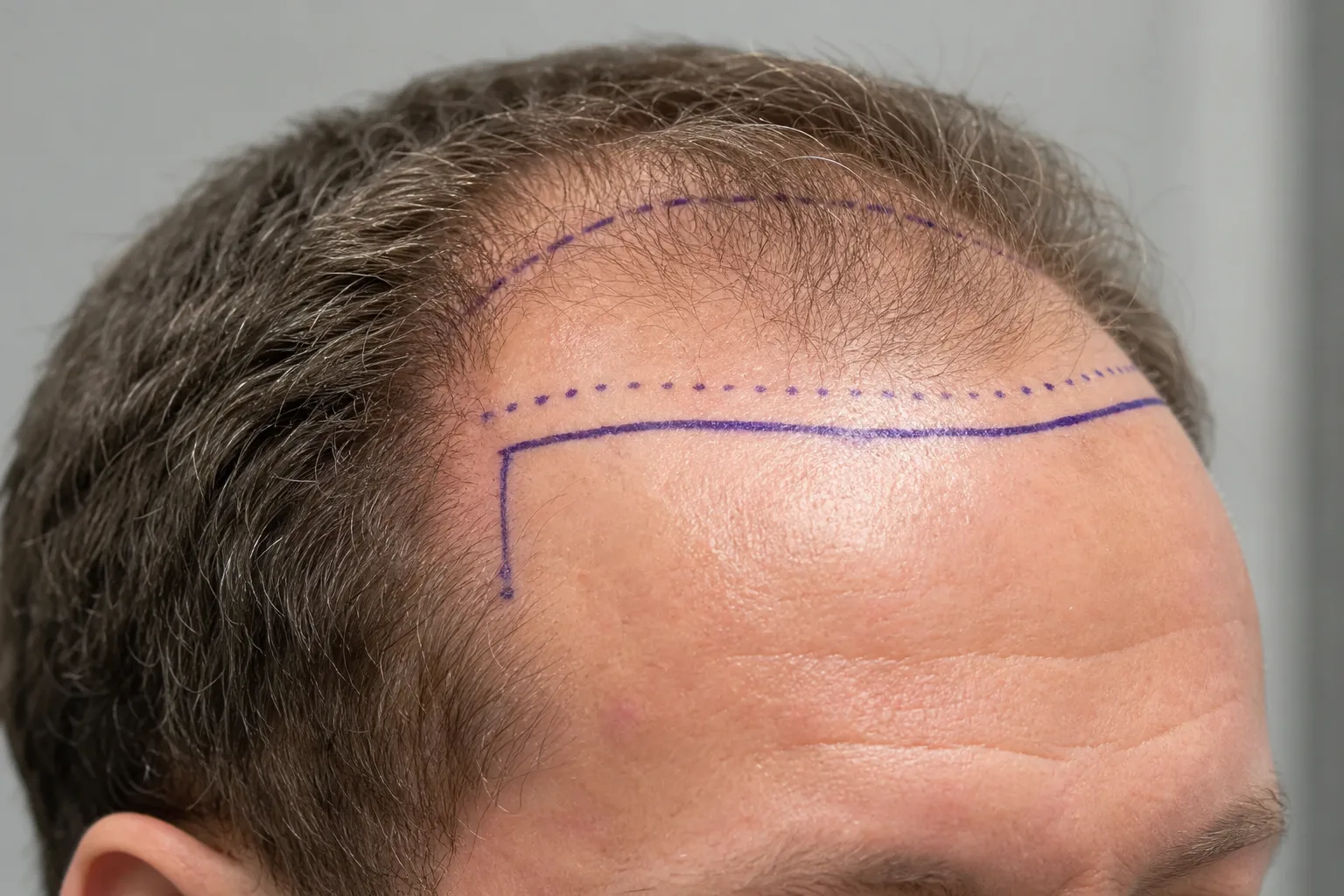
From dermatology to orthopedics, clinicians use PixioDoc to document, compare, and share patient progress — all in one secure workspace.

Start documenting patient progress with a dedicated clinical workspace
Trusted by hundreds of professionals in 20+ countries
From Brazil to Australia, clinicians use PixioDoc to document patient progress. Wherever they work, their patient photos are hosted in the EU and encrypted.
See what each plan includes
Free covers everyday documentation. Pro adds reports, sharing, background removal, and the web app. Teams is for practices of 4 or more.
- Up to 10 Patients (5 sessions each)
- Patient Tags, Status Labels & Session Drafts
- Photo & Video Capture with Editing
- Progress Slider Comparison
Pro adds patient PDF reports, sharing with colleagues, background removal, and the web app.
- Unlimited Patients
- Patient Tags, Status Labels & Session Drafts
- Photo & Video Capture with Editing
- Side-by-Side Comparison
- Multi-Image Comparison Layouts
- Background Removal
- Patient PDF Reports
- Sharing & Collaboration
- Web App Access (Desktop & Mobile)
- Support via Email
Custom
Built around seats, setup, and team workflow needs.
Same features as Pro, with centralized billing and team onboarding for practices of 4+.
- All Pro Features Included
- Shared Patient Access Across Your Team
- Centralized Billing for 4+ Seats
- Priority Support
- Quick 5-Minute Setup & Onboarding
For teams of 4+ - quick setup after approval
Prices are for reference only and may vary by country.
Frequently Asked Questions
Get instant answers to the most common questions about PixioDoc, your account, and our features.
General & Usage
Security & Sharing
Pricing & Account
Still have questions?
Our support team is ready to help you with any specific inquiries.
Contact supportYour next patient visit could be the first one in PixioDoc
Download the app and document the next visit in its own workspace.
Working with a team of 4+? Get a Teams proposal.