
Orthopedic Progress Photo Documentation App for Surgeons
Orthopedic surgeons use PixioDoc to document fracture healing, post-op mobility, and physical therapy progress with timestamped photos and short clinical videos — security-first, EU-hosted, GDPR-aligned.
EU-hostedEncrypted in transit & at rest
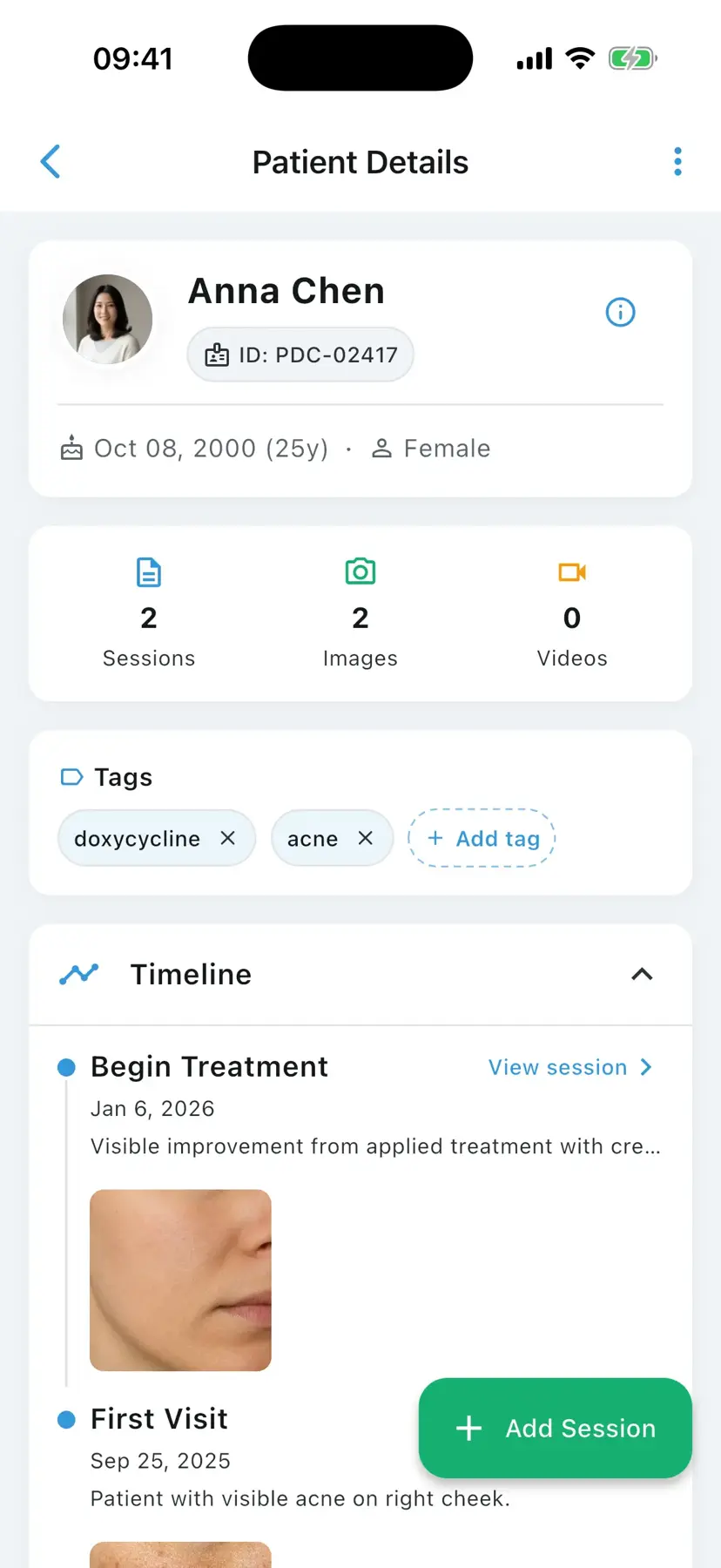
An orthopedic progress photo documentation app is a clinical mobile application that helps orthopedic surgeons and rehabilitation teams capture and compare patient photos and short videos documenting fracture healing, post-surgical mobility, range of motion, gait, and physical therapy progress over time — keeping clinical media organized and separate from personal galleries. PixioDoc is one such app, with EU-hosted patient data, encrypted storage, and audit-logged access aligned to GDPR (EU and UK).
Orthopedics is a specialty where progress is measured in degrees of motion, weeks of healing, and the visible appearance of incisions and swelling. Capturing that progress reliably — and showing it to patients during follow-up — needs a workflow that handles both photos and short clinical videos in one place. PixioDoc gives orthopedic surgeons, sports medicine clinicians, and rehabilitation teams a structured way to document range-of-motion, post-op recovery, and physical therapy milestones, all anchored to the right patient and the right visit.
Common photo documentation challenges in orthopedics
The main documentation challenges in orthopedics are conveying range-of-motion progress that chart numbers cannot show, giving surgery, physical therapy, and rehab teams one shared visual record, producing defensible photo evidence for insurance and legal reviews, and keeping patients engaged through long rehabilitation programmes.
Range-of-motion progress is hard to convey in notes alone
Goniometer numbers in the chart do not motivate a patient. A 4-second video of their own shoulder abduction at week 2 vs week 8 does.
Sports medicine and rehab teams need a shared view
Orthopedic surgery typically hands off to physical therapy, athletic trainers, and sometimes return-to-play decision-makers. They all need access to the same visual record, with audit logs the practice can defend.
Photo evidence supports complex insurance and legal cases
Workers' compensation in the US, NHS injury panels in the UK, and post-trauma personal injury cases across the EU frequently need a defensible visual timeline. Personal-device photo storage cannot produce one.
Patients lose adherence in long rehabilitation programmes
Showing the patient their own progress at every visit — incision healing, swelling, range of motion — is one of the most effective adherence levers in long ortho rehab.
How orthopedics professionals use PixioDoc
Orthopedic surgeons use PixioDoc to document fracture and post-op healing, record short clinical videos of mobility and range of motion, capture physical therapy milestones, and show patients their own recovery progress — photos and videos together in one chronological timeline per patient.
Document fracture and post-op healing
Capture clinical photos at each follow-up to document soft-tissue healing, swelling resolution, and incision maturation alongside the radiographic record.
Track post-operative mobility with video
Record short clinical videos of range-of-motion, gait, or specific functional tasks at each visit. Compare across visits to demonstrate recovery objectively.
Capture physical therapy progress
Document key PT milestones with consistent photo and video documentation, so surgeon, therapist, and patient share the same visual reference.
Show patients their recovery milestones
Open the timeline mid-consultation and walk the patient through their own milestones. Side-by-side comparison is one of the most effective tools for keeping patients in their rehab programme.
Why orthopedics clinicians choose PixioDoc
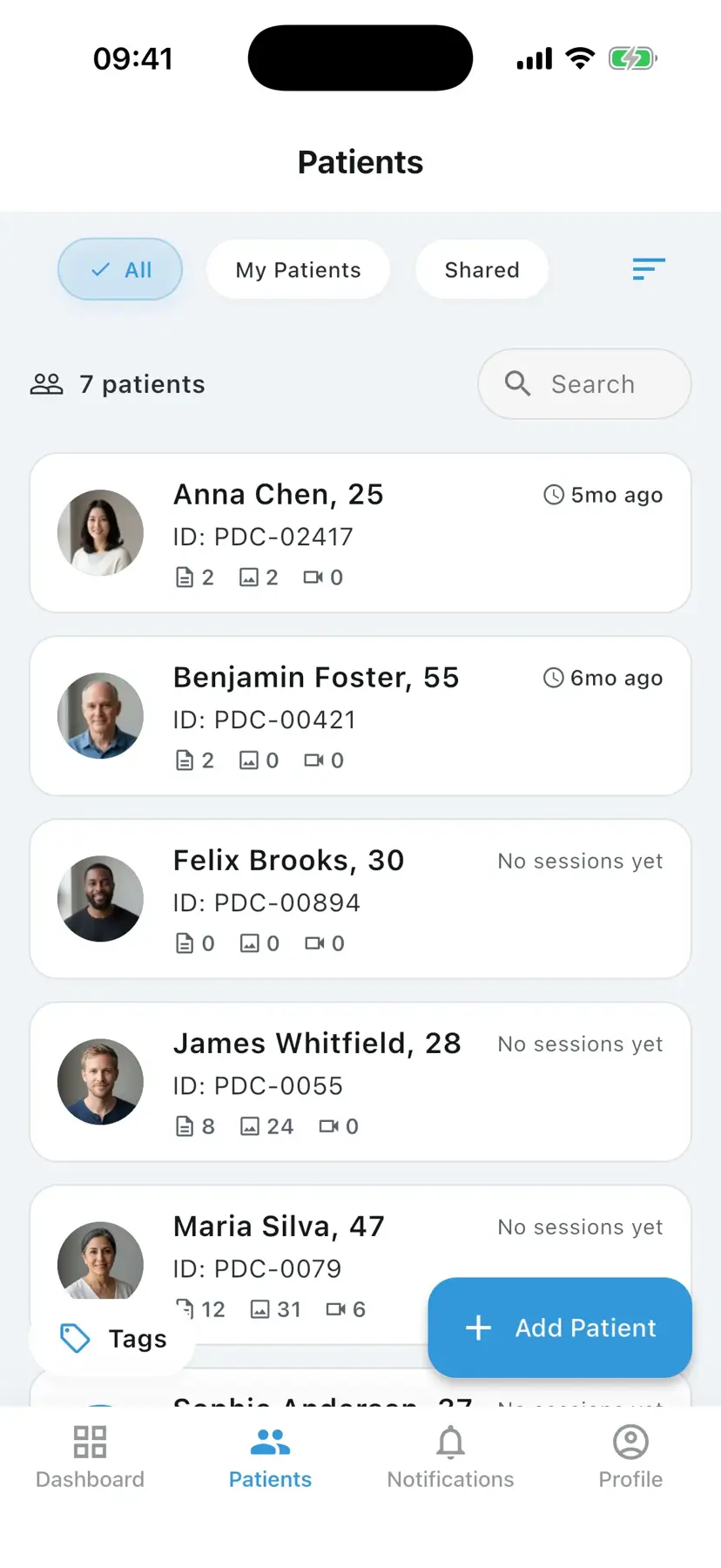
PixioDoc keeps orthopedic photos and videos out of personal galleries, compares recovery across visits side by side (Pro), handles clinical video natively with compression and in-app playback, and shares cases with physical therapists and trainers through role-based, audit-logged access (Pro) on EU-hosted storage.
Orthopedic documentation stays separate from personal photos
Photos and videos written through PixioDoc never enter the camera roll. Personal media and clinical media stay strictly partitioned on the device.
Compare recovery across visits side by side (Pro)
Use the progress slider (Free) or side-by-side layouts (Pro) to show how an incision, swelling, or limb appearance has changed across the rehab arc.
Native video for mobility and range-of-motion
Record, compress (40–60% size reduction), and play back short clinical videos directly in the patient timeline. Compare videos from different visits without leaving the app.
Share orthopedic cases with the rehab team
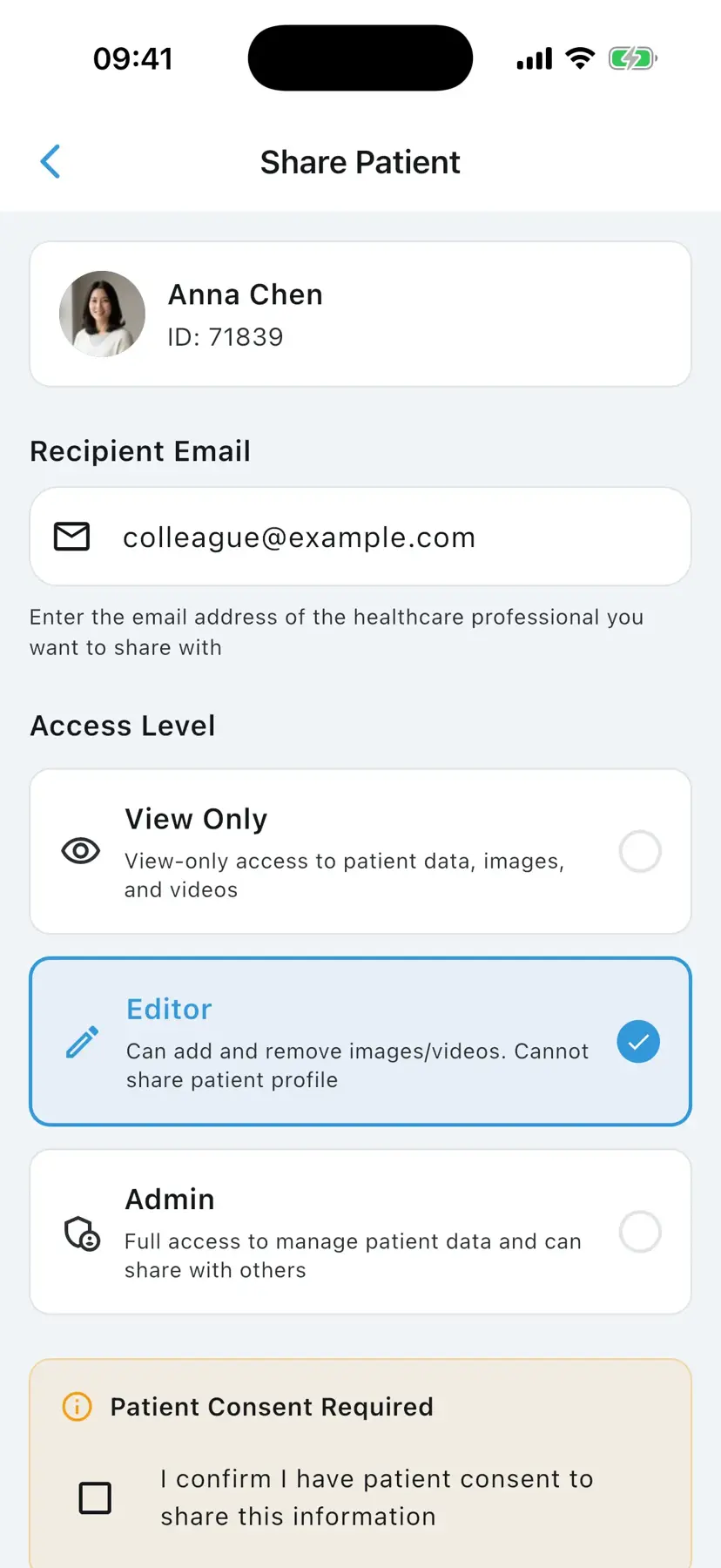
PT, athletic trainers, and primary care all see the same visual record at the access level you grant. Every access is logged, under GDPR and equivalent privacy regimes.
See orthopedics progress the way patients do
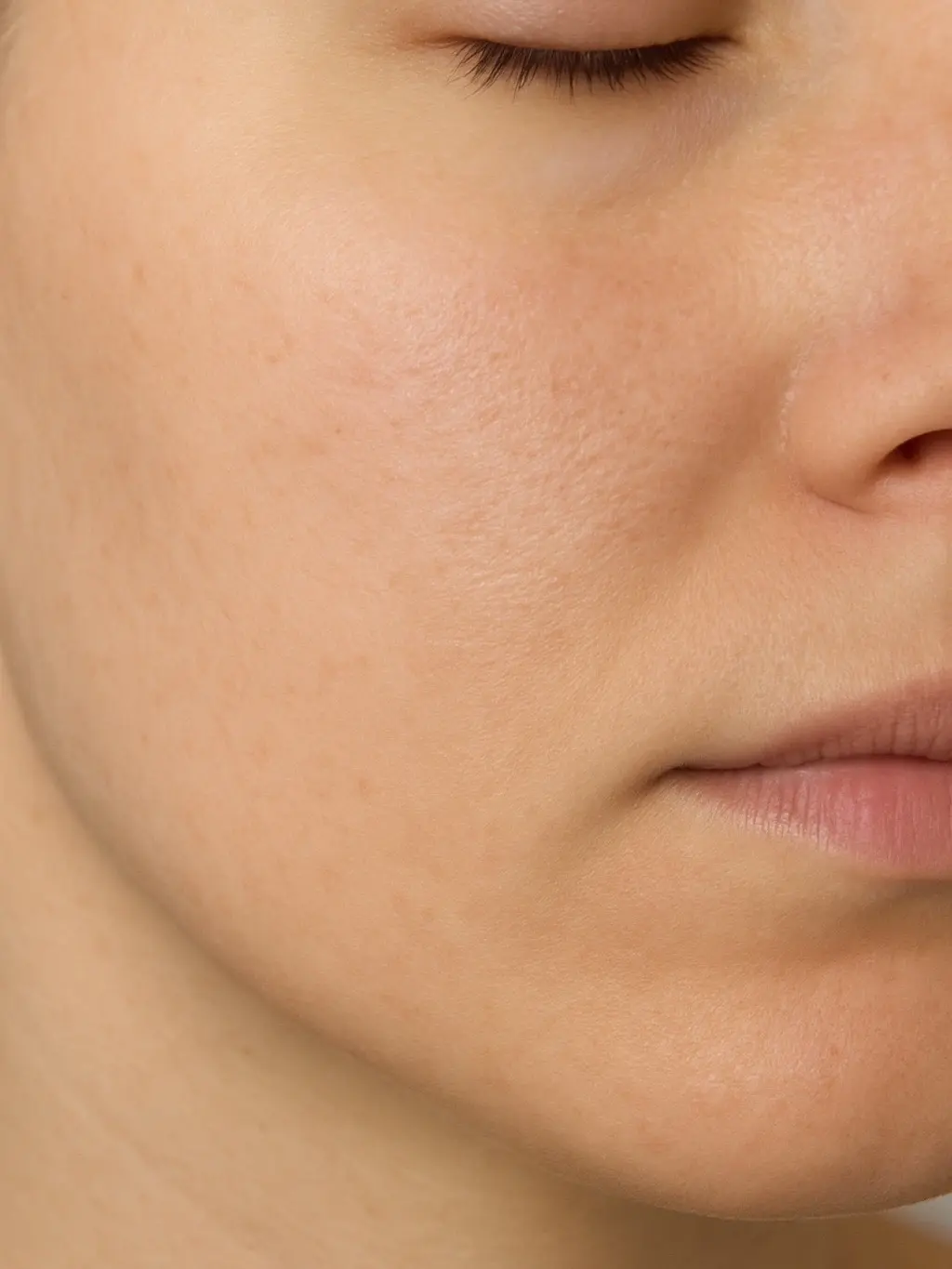
Try the slider, side-by-side, Hero, and 2×2 layouts — the same comparison tools that make incision healing and swelling resolution obvious across a recovery arc.

How to document orthopedics progress with PixioDoc
Documenting orthopedic recovery with PixioDoc takes five steps: set up your workspace and add team members, create the patient record at the first visit, capture photos and short videos at each follow-up, compare visits to show recovery objectively (progress slider on Free; side-by-side on Pro), and share with the rehab team (Pro).
- 1
Set up your orthopedic workspace
Download PixioDoc, verify your clinician account, and add team members (PT, residents, sports medicine colleagues) at the right access level.
- 2
Create a patient record at the first consultation or post-op visit
Add the patient before the first photo or video. Every visit from that point on anchors to the same timeline.
- 3
Capture photos and short videos at each visit
Use the in-app camera for incision, swelling, and limb appearance photos. Use video capture for range-of-motion, gait, or task-based assessments.
- 4
Compare visits to show recovery objectively
Open the timeline, choose any two visits, and use the progress slider (Free) or side-by-side (Pro) — for both photo and video comparison — to walk the patient through their progress.
- 5
Share with PT and the rehab team (Pro)
Send a secure link at the access level you choose to the physical therapist, athletic trainer, or referring physician. Revoke when the rehab episode ends.
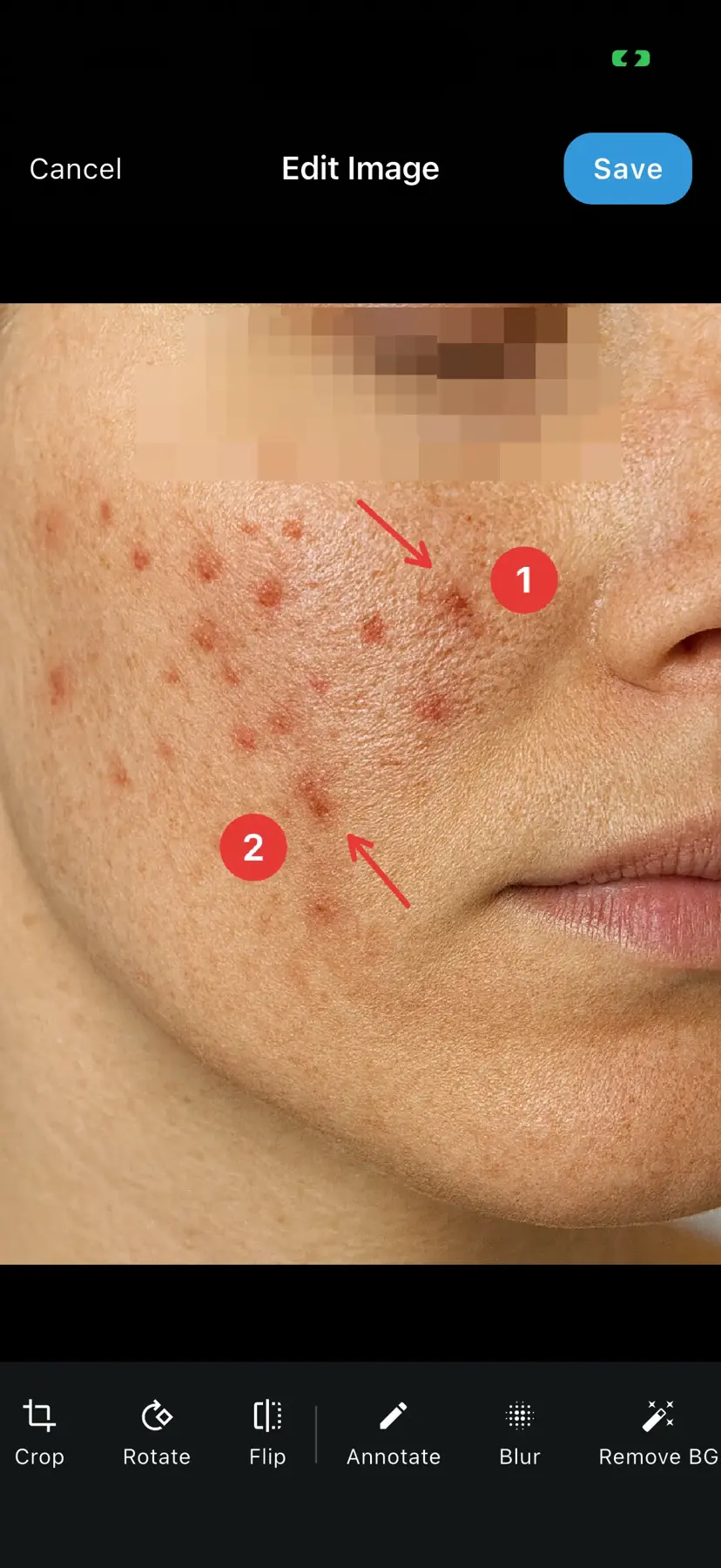
PixioDoc vs. camera roll, messaging apps, and cloud storage for orthopedics
Most orthopedics photo workflows start informally. Here is how a dedicated clinical photo app compares with the three most common alternatives.
| Capability | PixioDoc | Personal camera roll | Messaging apps | Generic cloud storage |
|---|---|---|---|---|
| Clinical photos separate from personal media | Yes — the in-app camera writes only to encrypted clinical storage, never the camera roll | No — clinical and personal photos mix | No — images embed in chat history and the camera roll | Partial — depends on manual folder discipline |
| Photos organized by patient and visit | Automatic — every photo lands on the right patient timeline | No — one long chronological stream | No — buried in conversation threads | Manual — naming conventions and folders to maintain |
| Side-by-side before-and-after comparison | Progress slider on Free; side-by-side and advanced layouts on Pro | No | No | No |
| Secure, role-based case sharing | Yes — View Only, Editor, or Admin per recipient, revocable at any time | No | No — forwarding is uncontrolled | Partial — link sharing is hard to scope and audit |
| Audit trail of who accessed what | Yes — audit logging across 27 event types | No | No | Limited |
| Patient data residency | EU-hosted, encrypted at rest and in transit | Follows personal cloud backups (iCloud / Google Photos) | Provider-dependent, outside your control | Region depends on account settings |
Pricing for orthopedics practices
Free
€0
Up to 10 patients
Pro
€8.99/mo
Unlimited patients
Teams
Custom
4+ seats
Frequently asked questions about orthopedics photo documentation
Still have questions about PixioDoc for orthopedics?
Email the team directly with anything specific to your practice — workflow questions, compliance reviews, Teams pricing, or onboarding. We read every message and reply personally.
Email support@pixiodoc.comStart tracking orthopedics progress with PixioDoc
Start free with up to 10 patients — no time limit, no demo call.
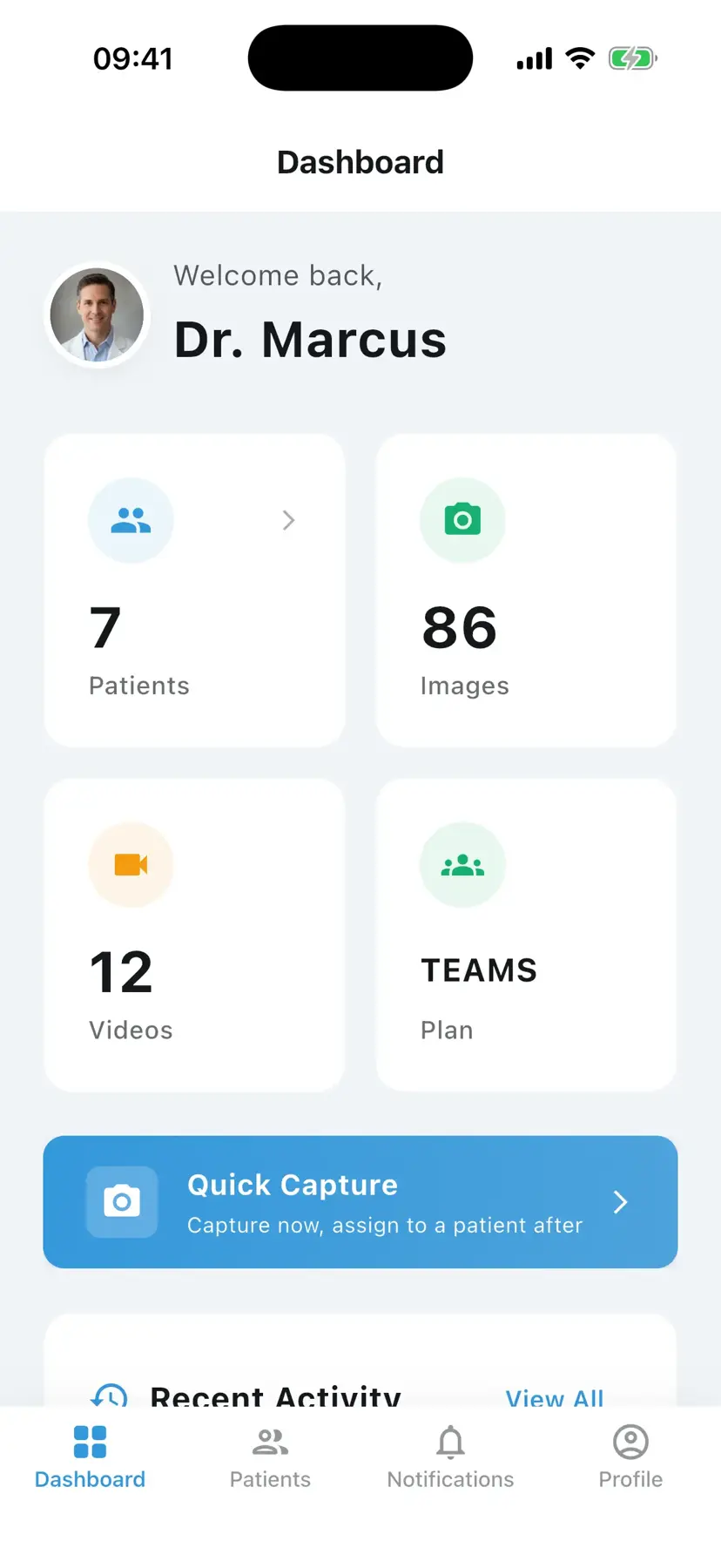
Recommended reading for orthopedics clinicians
Comparing PixioDoc for orthopedics
Evaluating a clinical photo app for your orthopedics practice? Compare PixioDoc with the alternatives most orthopedics clinicians shortlist.