
Aesthetic Treatment Photo Tracking App for Medspas and Clinics
Aesthetic medicine clinics use PixioDoc to track Botox, filler, and laser treatment results with progress-slider comparison (Free), side-by-side layouts (Pro), patient timelines, and secure sharing — security-first, EU-hosted, GDPR-aligned.
EU-hostedEncrypted in transit & at rest
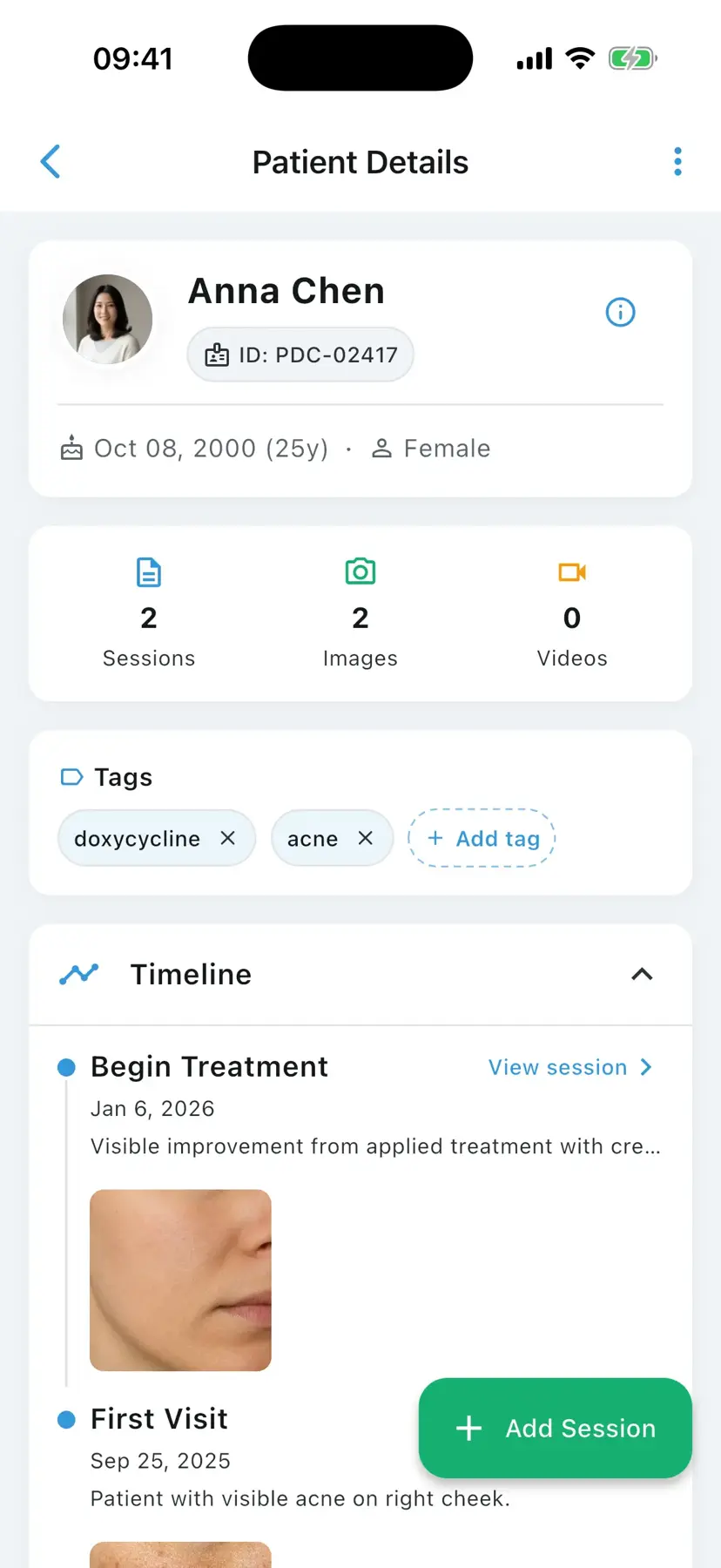
An aesthetic treatment photo tracking app is a clinical mobile tool that helps aesthetic medicine practitioners capture before-and-after photos of toxin (Botox), dermal filler (lip, cheek, jaw), laser, IPL, RF microneedling, chemical peel, and energy-device treatments, organize them by patient timeline, and compare results side by side during consultations. PixioDoc is one such app, with EU-hosted patient data, encrypted storage, and audit-logged access aligned to GDPR (EU and UK).
In aesthetic medicine the photo record is the product. Patients evaluate their toxin, filler, laser, and energy-device results visually — and so do you, when you decide whether to top up, switch products, or change technique. Storing those before-and-after photos in a personal camera roll or a shared messaging app is both a privacy problem and a clinical one. PixioDoc gives medspas and aesthetic clinics a single timeline per patient, side-by-side comparisons that close consultations, and a compliance posture that holds up under GDPR scrutiny.
Common photo documentation challenges in aesthetic medicine
The most common photo documentation challenges in aesthetic medicine are consultations stalling without visual proof of past results, inconsistent positioning ruining toxin and filler comparisons, client photos sitting on personal devices in breach of privacy law, and multi-injector clinics working from disconnected photo silos.
Consultations stall without visual proof of past results
Patients hesitate on follow-up syringes when they cannot remember the baseline. Showing them their own before-and-after on the spot is the fastest way to close the consultation and improve adherence.
Inconsistent photo conditions ruin filler and toxin comparisons
Lip filler at-rest vs animated, glabellar lines at maximum frown, masseter projection at clench — every aesthetic comparison depends on repeatable patient positioning. A workflow that lives in the camera roll cannot enforce this.
Personal-device storage of client photos breaks global privacy law
Aesthetic clinics regularly underestimate that their before-and-after images are protected health information. Personal-device storage is not an acceptable workflow under GDPR (EU and UK) or equivalent privacy regimes.
Multi-injector clinics need shared records, not photo silos
When two injectors share a patient, both need the full visual history. Sending photos between phones is slow, fragile, and not compliant.
How aesthetic medicine professionals use PixioDoc
Aesthetic clinics use PixioDoc to track Botox and filler results across sessions, document laser and energy-device treatment series, show patients their own transformation mid-consultation, and coordinate securely between co-injectors — every before-and-after anchored to the right patient and the right visit.
Track Botox and filler results across treatment sessions
Capture standardised before-and-after photos at every injection visit and review the full toxin or filler journey at the next consultation.
Document laser and energy-device progression
Track IPL, fractional resurfacing, RF microneedling, and similar device-based progressions with consistent before-and-after photos at every session of a multi-treatment plan.
Show patients their aesthetic transformation
Open the timeline mid-consultation and slide through the patient's own progress. This is the single most effective conversion tool for follow-up syringes and additional treatment plans.
Coordinate with co-injectors and referring colleagues
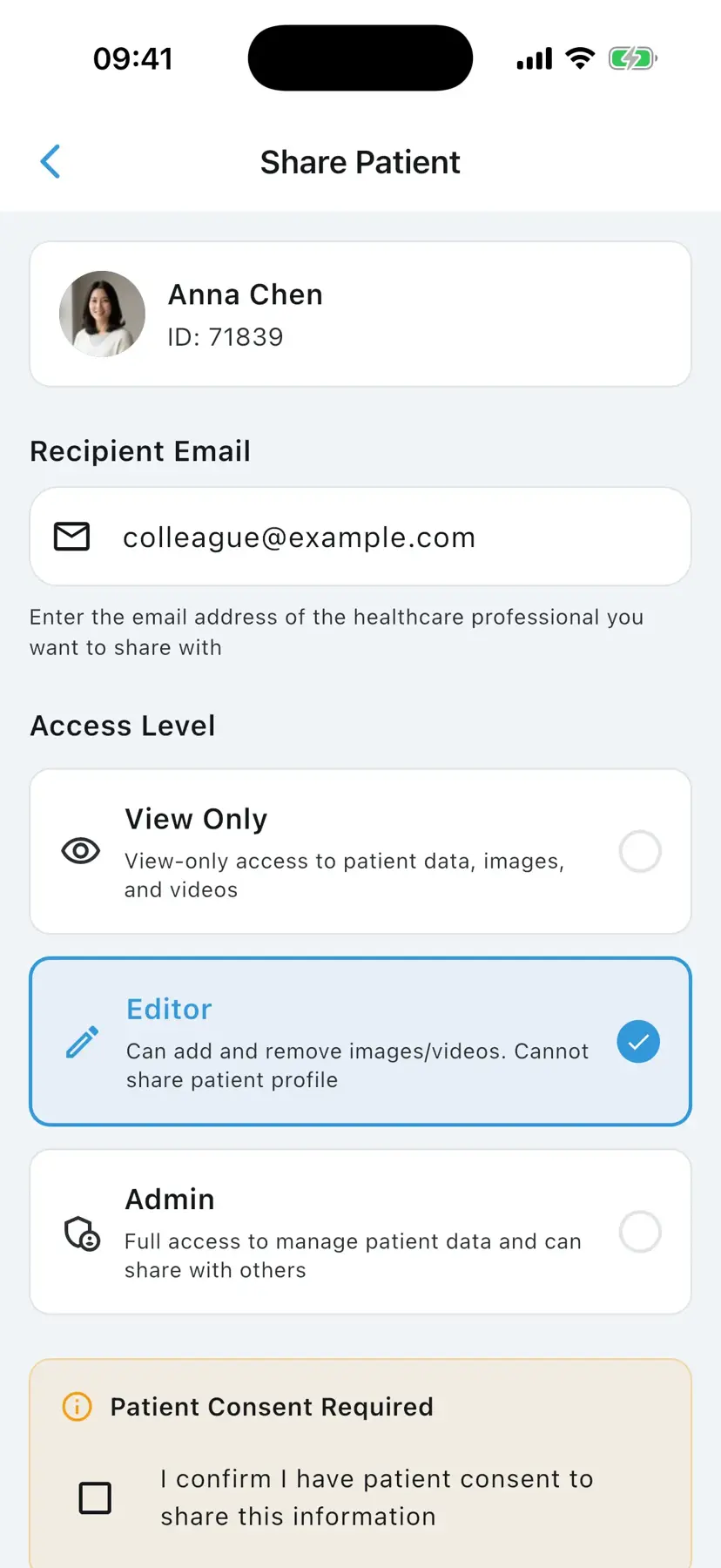
Share specific patient records with another injector or a referring practitioner at the access level you choose. No screenshots, no group chat.
Why aesthetic medicine clinicians choose PixioDoc
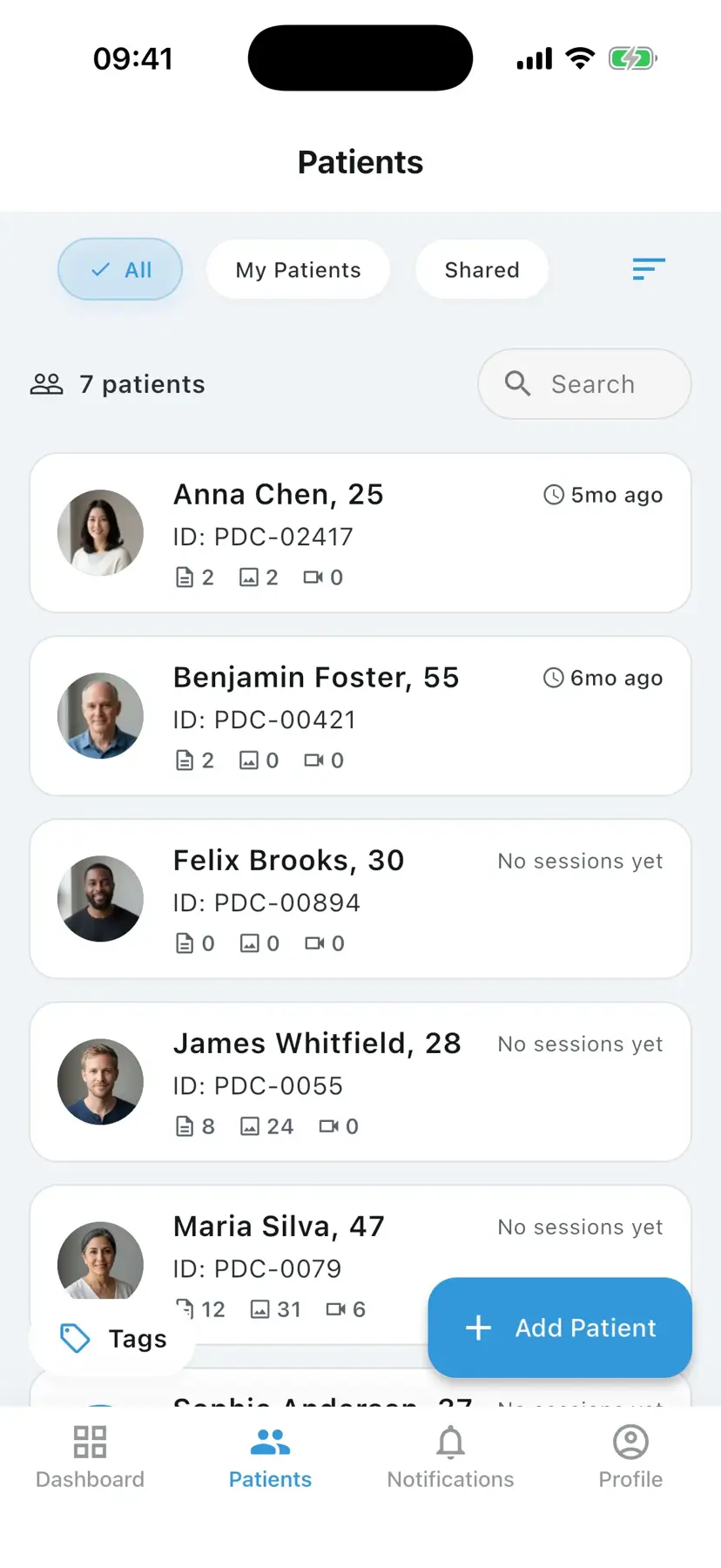
PixioDoc organizes every aesthetic photo by patient and visit, turns before-and-after into a one-swipe consultation moment, converts visible results into follow-up bookings, and replaces consumer messengers with role-based, audit-logged sharing on EU-hosted, encrypted storage — privacy designed in rather than bolted on.
All aesthetic photos organised by patient and visit
Every photo is anchored to a patient and a visit date. No naming conventions to maintain, no folders to misfile.
One-swipe before-and-after for consultations
The progress slider (Free) turns subtle filler or toxin changes into something patients can see — and decide on — in one motion. Pro adds side-by-side and advanced multi-image layouts.
Visual proof drives conversion and retention
Patients commit to follow-up syringes and multi-session plans when they can see what their own treatment achieved. That is the single biggest revenue lever in most medspas.
GDPR-aligned sharing instead of consumer messengers
Role-based, audit-logged sharing (Pro) replaces the WhatsApp group your clinic should not have — security-first, EU-hosted, GDPR-aligned.
See aesthetic medicine progress the way patients do
Try the slider, side-by-side, Hero, and 2×2 layouts — the same comparison tools that make gradual aesthetic results obvious in the room and help close the next treatment plan.
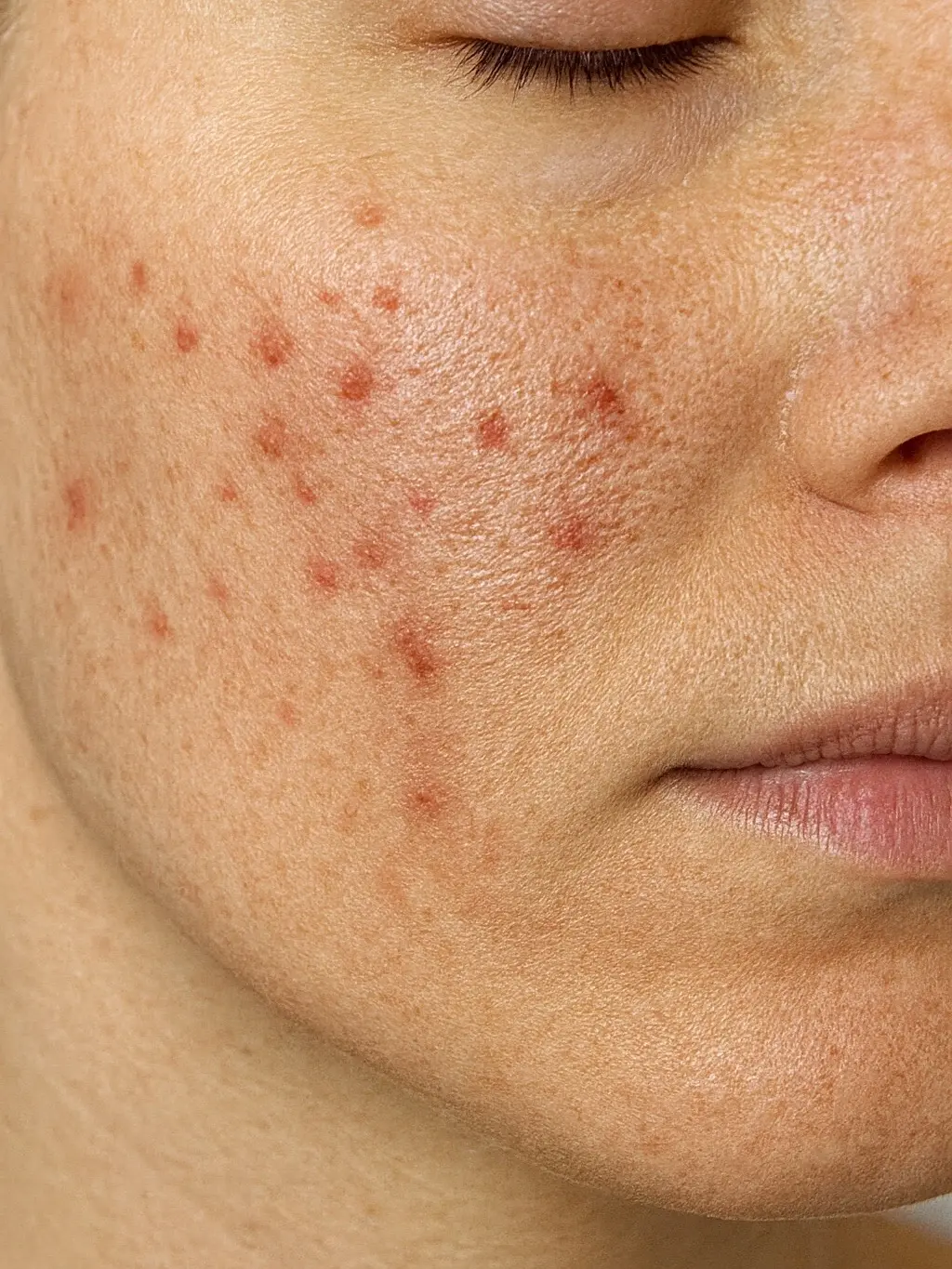
How to document aesthetic medicine progress with PixioDoc
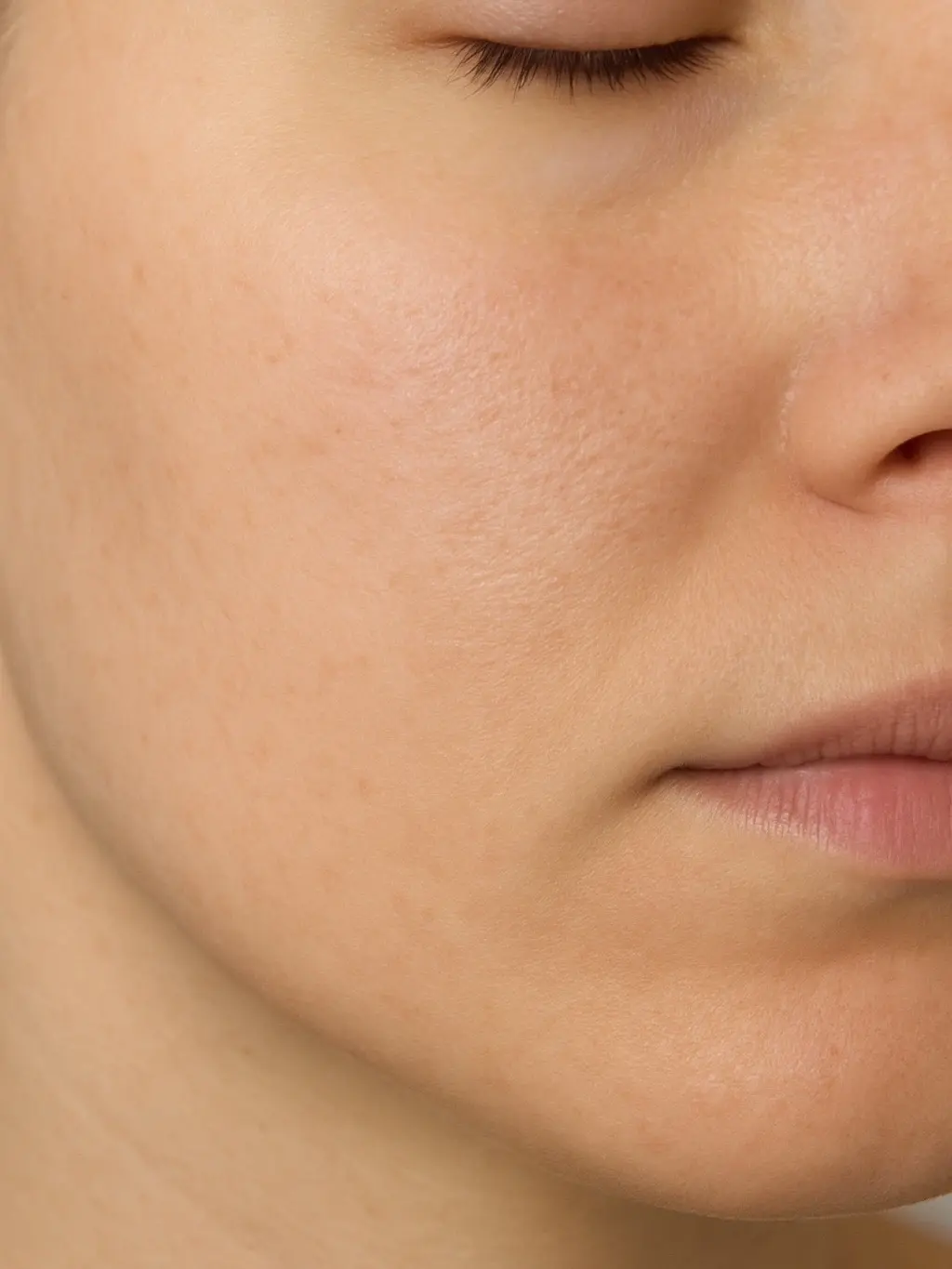
Tracking aesthetic results with PixioDoc takes five steps: set up your clinic workspace, create a patient record at the first consultation, capture standardised before-and-after photos with consistent animation states, show progress at the follow-up consultation (progress slider on Free; side-by-side on Pro), and share with co-injectors when treatment continuity requires it (Pro).
- 1
Set up your medspa or aesthetic clinic workspace
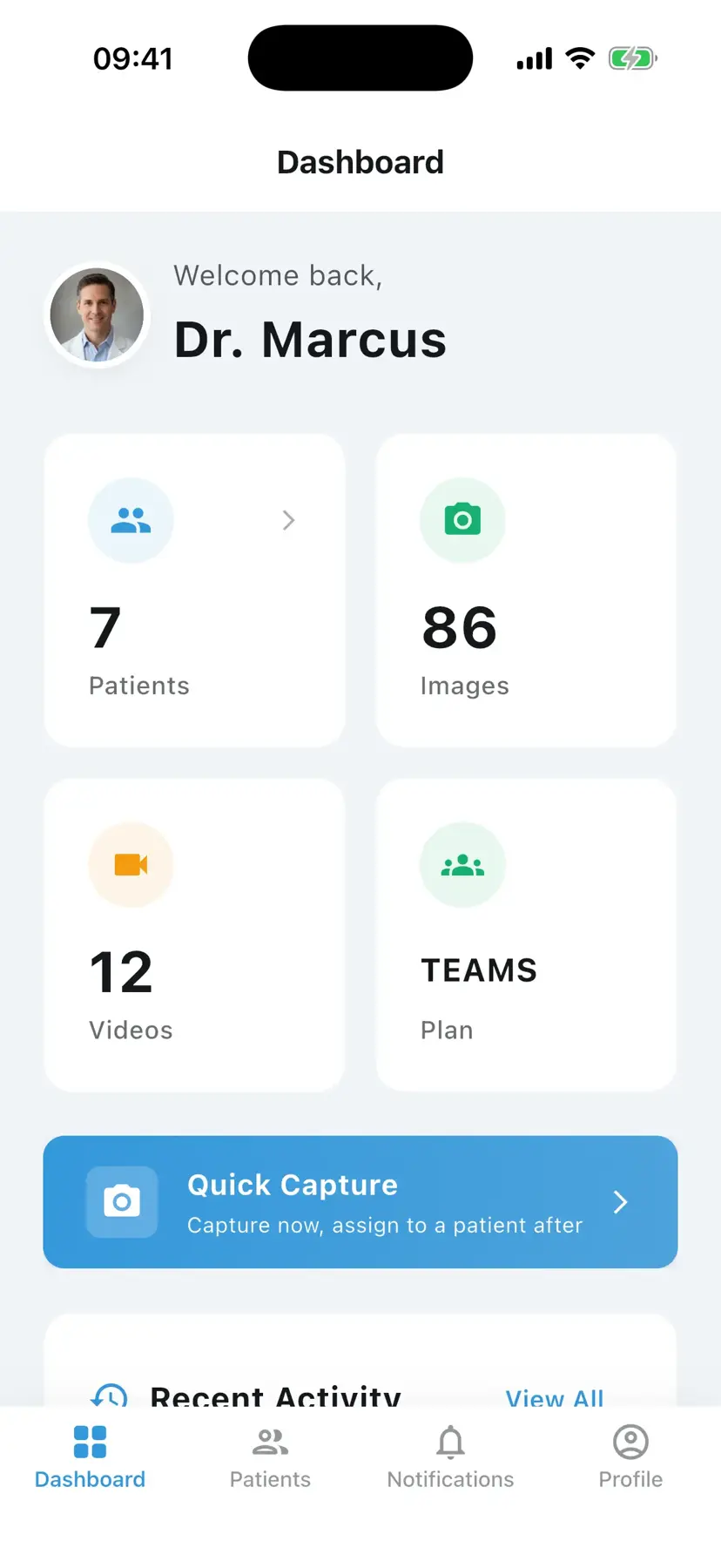
Download PixioDoc and create your verified clinician account. Add co-injectors as team members with the right access level.
- 2
Create a patient record at the first consultation
Add the patient before the first photo. Every subsequent before-and-after lands on the same timeline.
- 3
Capture standardised before-and-after photos
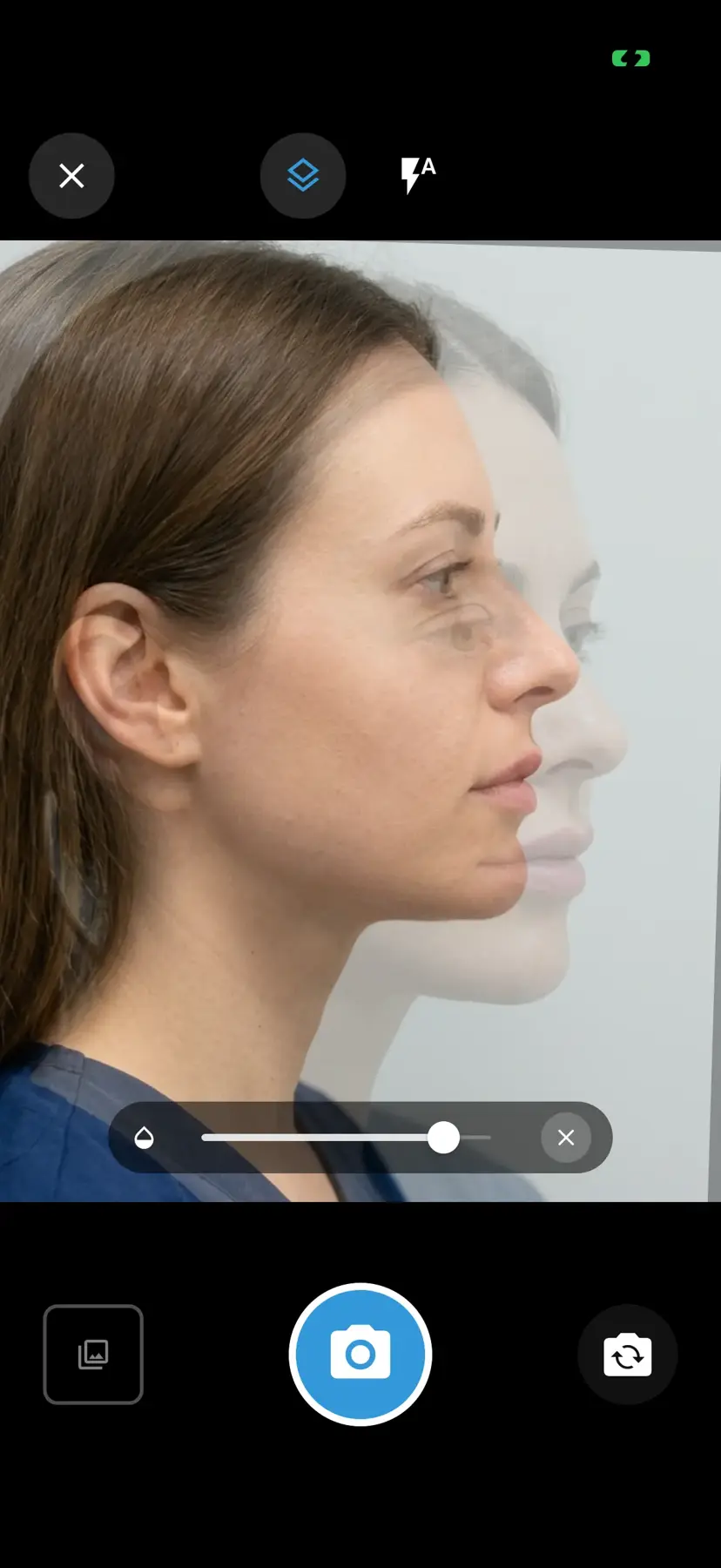
Use consistent framing and animation states (rest vs maximum frown for toxin, smile vs rest for lip filler) so future comparisons are clinically meaningful.
- 4
Show progress at the follow-up consultation
Open the timeline, swipe between baseline and the current visit with the progress slider (Free), or use side-by-side layouts on Pro. Subtle aesthetic changes become obvious.
- 5
Share with co-injectors when needed (Pro)
Share the patient record at the right access level for treatment continuity, then revoke when the collaboration ends.
PixioDoc vs. camera roll, messaging apps, and cloud storage for aesthetic medicine
Most aesthetic medicine photo workflows start informally. Here is how a dedicated clinical photo app compares with the three most common alternatives.
| Capability | PixioDoc | Personal camera roll | Messaging apps | Generic cloud storage |
|---|---|---|---|---|
| Clinical photos separate from personal media | Yes — the in-app camera writes only to encrypted clinical storage, never the camera roll | No — clinical and personal photos mix | No — images embed in chat history and the camera roll | Partial — depends on manual folder discipline |
| Photos organized by patient and visit | Automatic — every photo lands on the right patient timeline | No — one long chronological stream | No — buried in conversation threads | Manual — naming conventions and folders to maintain |
| Side-by-side before-and-after comparison | Progress slider on Free; side-by-side and advanced layouts on Pro | No | No | No |
| Secure, role-based case sharing | Yes — View Only, Editor, or Admin per recipient, revocable at any time | No | No — forwarding is uncontrolled | Partial — link sharing is hard to scope and audit |
| Audit trail of who accessed what | Yes — audit logging across 27 event types | No | No | Limited |
| Patient data residency | EU-hosted, encrypted at rest and in transit | Follows personal cloud backups (iCloud / Google Photos) | Provider-dependent, outside your control | Region depends on account settings |
Pricing for aesthetic medicine practices
Free
€0
Up to 10 patients
Pro
€8.99/mo
Unlimited patients
Teams
Custom
4+ seats
Frequently asked questions about aesthetic medicine photo documentation
Still have questions about PixioDoc for aesthetic medicine?
Email the team directly with anything specific to your practice — workflow questions, compliance reviews, Teams pricing, or onboarding. We read every message and reply personally.
Email support@pixiodoc.comStart tracking aesthetic medicine progress with PixioDoc
Start free with up to 10 patients — no time limit, no demo call.
Recommended reading for aesthetic medicine clinicians
Comparing PixioDoc for aesthetic medicine
Evaluating a clinical photo app for your aesthetic medicine practice? Compare PixioDoc with the alternatives most aesthetic medicine clinicians shortlist.