
Why You Shouldn't Use Your Personal Phone for Patient Photos (And What to Do Instead)

Introduction
You're in a consultation. A patient asks to see how their skin condition has progressed since their last visit. You pull out your phone, open your photo gallery, and start scrolling. Past the family vacation photos. Past the dinner pictures. Past the screenshots you never deleted. Finally, you find the right image — three months old, buried among hundreds of personal photos.
A personal camera roll is the wrong place for those images. They sit next to holiday photos, sync to a personal cloud, and stay available to anyone who picks up the phone. Under GDPR they are special category data, and that storage has none of the legal, technical, or organisational safeguards that processing them requires.
This guide breaks down exactly why personal phone storage fails under GDPR and professional guidelines, what the specific risks are, and how to build a documentation workflow that is both compliant and practical.
This article is educational, not legal advice. Final compliance depends on how your practice configures and uses the tool, your contracts, and the laws that apply in your jurisdiction.
The Scale of the Problem
The gap between what clinicians do and what regulations require is wider than most realise.
A 2016 survey of Canadian plastic surgeons and residents found that 57% stored clinical photos on their phone, and about 10% of respondents did not password-protect the device (Chan et al., Plastic Surgery, 2016). A 2018 survey of Australian dermatologists found that 46% stored clinical images on a smartphone (Abbott et al., Australasian Journal of Dermatology).
The result? Patient photos mixed with personal vacation pictures. Clinical images sitting in unencrypted camera rolls. Before-and-after photos shared via SMS or WhatsApp because there is no better system in place. It is not negligence — it is a workflow gap. And it is a gap that data protection law was written to close.
GDPR: Why Personal Phones Fail for Clinical Images
Under GDPR Article 9, clinical photographs that reveal health information — a patient's skin condition, a surgical result, a wound healing over time — are special category data. This is the same classification as genetic data, biometric data, and ethnic origin. It attracts the highest level of data protection the regulation provides.
A personal phone fails every test.
No lawful processing basis. GDPR requires a clear legal basis for processing special category data (Article 9(2)), typically explicit, specific, informed consent. Blanket consent forms that do not specify where images are stored, who can access them, and how long they will be retained do not meet this standard.
No data minimisation. You must collect and retain only what is necessary for the stated purpose. A camera roll that accumulates images indefinitely, mixing clinical content with personal photos, fails the minimisation principle before you even consider what happens when you switch phones.
Personal cloud as an uncontrolled transfer. When iCloud, Google Photos, or any consumer backup service auto-syncs your camera roll, it transfers special category patient data to infrastructure outside any Data Processing Agreement (DPA). That transfer is not authorised, not documented, and not subject to the security obligations a DPA would impose. It is a breach in the making.
No erasure path. Patients have a right to erasure under Article 17. When their images are scattered across a device, a cloud backup, a shared WhatsApp thread, and perhaps a second device, fulfilling that request in full is not possible. You cannot delete what you cannot locate.
72-hour breach notification. Under GDPR Article 33, a personal data breach must be reported to your supervisory authority within 72 hours of becoming aware of it. A phone stolen from a locker, a device left in a taxi, an accidental share via a messaging app — any of these triggers that clock. A personal phone with no audit trail, no encryption at rest, and no DPA for its cloud backup makes it very hard to argue that appropriate technical safeguards were in place.
For clinicians in aesthetics, the stakes are the same. An injector at a medspa or aesthetic clinic treating patients for botox, fillers, or body contouring is processing identifiable before-and-after photographs. Once you move off a personal phone, a medspa photo app workflow keeps injectables, body, and laser results on one patient timeline. Those images are special category health data. The fact that treatment is elective and privately paid changes nothing under GDPR — the data classification follows the nature of the information, not the clinical setting.
Five Real Risks of Storing Patient Photos on Your Personal Phone
Beyond the GDPR specifics, there are practical, professional, and ethical risks that affect daily practice.
Risk 1: Privacy Breaches from Accidental Exposure
The most common breach is not a hacker. It is a moment of inattention. A family member scrolling through your photos. A colleague glancing at your screen. A patient in the waiting room seeing a notification preview of a clinical image on your lock screen.
Research in CMAJ documented how cloud services like Dropbox, iCloud, and Google Photos can automatically access and back up images from mobile devices, potentially moving clinical photos to non-secure systems without your knowledge or intent. One accidental share, one unguarded moment, and a patient's most sensitive information is exposed.
Risk 2: Inability to Respond to Data Subject Requests
Both GDPR and UK data protection law give patients the right to know what data you hold about them and, in many cases, to request its deletion. When patient images are spread across a phone gallery, cloud backups, text message threads, and email attachments, you cannot confirm that you have found and removed all copies.
The GDPR right to erasure (Article 17) carries penalties of up to €20 million or 4% of annual global turnover for non-compliance. The inability to verify full deletion is itself a compliance failure.
Risk 3: Legal Liability and Professional Sanctions
Courts have established causes of action specifically related to digital patient data: intrusion upon seclusion, breach of confidence, and privacy breach — each of which can apply when patient images stored on personal devices are accessed or disclosed without authorisation (as identified in legal scholarship published in CMAJ).
GDPR fines reach up to €20 million. The reputational damage — loss of patient trust, negative publicity, referral to a professional regulator — often exceeds the financial penalty. Professional bodies in medicine can and do act on data protection failures that come to their attention.
Risk 4: Unprofessional Patient Experience
When you scroll through your personal photo gallery in front of a patient to find their clinical images, you are not just risking a breach. You are undermining the professional relationship. Patients see personal content pass by. They wonder how their images are stored and who else might see them. They may not say anything, but their confidence in your practice drops.
Patient perception of how their data is handled directly affects satisfaction, treatment compliance, and willingness to return. A clinician who fumbles through a personal gallery searching for a before photo while the patient watches is not delivering the experience that builds lasting relationships.
Risk 5: Lost Documentation and Clinical Value
Personal phone galleries are not built for clinical workflows. There is no patient-level organisation, no chronological timeline, no way to compare visits side-by-side. Clinical images get buried among thousands of personal photos. Over time, finding the right image at the right moment becomes harder — if it is possible at all.
When you switch phones, reset a device, or run out of storage and delete photos, clinical documentation can disappear permanently. Unlike a system that retains records for legally mandated periods, a personal photo gallery has no retention policy, no backup guarantee, and no audit trail.
What the Guidelines Actually Recommend
Medical organisations and regulatory bodies are clear about the direction of travel.
GMC Guidance
The UK General Medical Council's guidance on making and using visual recordings of patients sets out the obligations on practitioners: obtain written consent that covers the specific purpose, storage arrangements, and who will have access; do not use images for purposes beyond those consented to; and store images securely in the patient's record, not on personal devices. The GMC guidance applies to any clinical imaging, including photography for monitoring treatment progress.
The PMC Position
A peer-reviewed article published in the Sultan Qaboos University Medical Journal states directly: "Personal smartphones should never be used to take medical photographs." If smartphone use is necessary for urgent consultations, the guidelines require written informed consent, documentation in the patient file, and deletion of images after the consultation — with all images transferred to the clinical system, not retained on personal devices.
The RACGP Framework
The Royal Australian College of General Practitioners offers a practical framework for practices that use mobile devices. Their guidance includes:
Practice-owned devices: Use devices owned and managed by the practice rather than personal phones. This allows the organisation to enforce security policies and maintain control over data.
Secure apps only: Clinical photos should be captured and stored within a purpose-built application, not the default camera app that saves to the device's personal gallery.
Automatic deletion from local storage: Once images are uploaded to the secure clinical system, they should be removed from the device's local storage. No patient images should remain on the device outside the secure application.
Written consent: Document the patient's consent for photography, including how images will be stored, used, and shared. Consent should be specific to the purpose — treatment documentation is different from teaching or publication.
Canadian Guidelines
Canadian guidance on smartphone clinical photography requires that images captured on mobile devices be transferred to the patient's medical record within a defined timeframe and deleted from the personal device. The guidance is equally clear that SMS and MMS are not secure channels for sharing clinical images, regardless of how common the practice is.
Aesthetics and Cosmetic Practice
Cosmetic nurses, injectors, and aesthetic practitioners fall under the same professional photography guidance as their clinical counterparts. The GMC guidance and equivalent standards from nursing and aesthetic-sector regulators apply wherever a practitioner is creating identifiable health-related images of a patient. Running a medspa or a private aesthetics clinic does not create a separate data protection framework — the obligations are the same.
How to Build a Compliant Clinical Photography Workflow
Knowing the risks is only useful if you have a practical alternative.
Step 1: Separate Clinical and Personal From the Start
The most important change is the simplest: stop letting clinical images enter your personal camera roll. Use a dedicated application that captures, stores, and organises clinical images separately from your personal photos. This eliminates the most common compliance failure at its source.
PixioDoc was designed around this principle. Images captured within the app never touch your personal camera roll. Each image is automatically tied to the correct patient and session, with a chronological timeline that makes progress comparisons straightforward during consultations. For aesthetic clinics, the ghost overlay feature aligns new captures to previous sessions — consistent angle, framing, and distance across visits, so before-and-after photos actually show what changed.
Step 2: Use Encrypted Storage with Audit Trails
Clinical image storage must include encryption in transit and at rest, access controls that limit who can view patient images, and audit trails that record when images are accessed and by whom. These are regulatory requirements under GDPR, and technical safeguards also expected under HIPAA for US practitioners.
PixioDoc stores data EU-hosted, encrypted at rest (AES-256) and in transit (TLS 1.3), with row-level security and audit trails. The platform operates under signed DPAs with its infrastructure providers. If you are comparing vendors, read what makes a medical photography app GDPR compliant for a practical checklist.
Step 3: Build Consent Into the Workflow
Before capturing any image, document that the patient has consented — including the specific purpose (treatment documentation, teaching, publication) and how images will be stored and shared. Digital consent records tied to the patient's file are more reliable and auditable than paper forms kept separately.
Step 4: Share Through Secure Channels
Stop sharing clinical images via SMS, WhatsApp, personal email, or consumer cloud links. These channels lack the encryption, access controls, and audit trails that GDPR compliance requires. Use a platform that allows you to send a specific patient's documentation to a colleague with controlled access and an audit record.
Step 5: Maintain a Patient-Level Timeline
Organise images by patient and by session, not by date or album name. A chronological timeline showing every session's images in sequence is far more clinically useful than a folder structure you maintain manually. It also makes it straightforward to respond to patient data access requests — you can export a complete visual history in a single action. When you need to share progress with a referrer or insurer, that same timeline lets you produce structured patient progress reports instead of manually assembling PDFs from photos scattered across your phone.
If You Practice in the US: A Note on HIPAA
HIPAA expects the same technical safeguards that GDPR requires. Clinical photographs containing identifiable features are protected health information (PHI), subject to the Privacy and Security Rules. Consumer cloud auto-sync — iCloud, Google Photos — moving PHI to infrastructure not covered by a Business Associate Agreement (BAA) is a recognised exposure under both regimes.
PixioDoc is built around the safeguards GDPR (EU and UK) requires — the same technical safeguards HIPAA (US) expects: EU-hosted encrypted storage, audit trails, access controls, and DPAs with infrastructure providers. US clinicians should evaluate any vendor against their own obligations, including whether a BAA is appropriate for their use case.
GDPR and HIPAA address the same problem from different legal traditions. A workflow that meets GDPR's technical and organisational requirements — encryption, access controls, audit trails, documented DPAs, no uncontrolled third-party transfers — is a workflow that takes HIPAA's underlying intent seriously.
Frequently Asked Questions
Is storing patient photos on a personal phone a GDPR breach?
It depends on the specifics, but in most clinical settings it is. GDPR classifies clinical photographs as special category data (Article 9), requiring explicit consent, strict access controls, and the ability to respond to erasure requests. A personal phone camera roll — with auto-sync to a personal cloud account not covered by a DPA, no encryption at rest in the legal sense, and no audit trail — fails multiple GDPR principles simultaneously. If the device is lost, stolen, or the images are accidentally shared, that is a reportable breach under Article 33.
What does GDPR require for clinical image storage?
Clinical photographs must be processed under a clear legal basis (typically explicit consent), with data minimisation, purpose limitation, and appropriate technical safeguards: encryption at rest and in transit, access controls, audit trails, and data hosted under a signed DPA. Patients retain the right to access their data and request erasure under Articles 15 and 17. Personal phones and consumer cloud storage cannot satisfy these requirements as a matter of design.
What happens if patient photos on my personal phone are accidentally shared?
An accidental disclosure of clinical images from a personal device is a reportable data breach. Under GDPR, you must notify your supervisory authority within 72 hours of becoming aware of the breach (Article 33). In the US, HIPAA requires notification to HHS and affected individuals — within 60 days for breaches affecting 500 or more individuals, annually for smaller incidents. The severity of the outcome depends heavily on whether reasonable technical safeguards were in place. A personal phone with no encryption, no DPA for its cloud backup, and no audit trail makes that case very difficult to make.
Can I text patient photos to a colleague for a second opinion?
Not through standard SMS, MMS, WhatsApp, or other consumer messaging apps. These channels do not provide end-to-end encryption meeting clinical data protection requirements, they do not maintain audit trails, and they store images on the recipient's personal device where you have no control over deletion. Canadian guidelines on smartphone clinical photography specifically state that SMS and MMS are not secure channels for clinical images. Use a purpose-built platform that provides encrypted transmission, controlled access, and a full audit record.
Do the same rules apply to medspas and aesthetic clinics?
Yes. Identifiable photographs taken in an aesthetic setting — botox before-and-afters, filler progress photos, body contouring documentation — are special category health data under GDPR. The fact that treatment is elective and privately funded does not change the data classification. The same consent, storage, and security obligations apply to an injector at a medspa as to a dermatologist in an NHS clinic. Professional body guidance on clinical photography (GMC guidance, for example) also applies to practitioners working in private or aesthetics settings. A purpose-built app with EU-hosted encrypted storage and a signed DPA is the right infrastructure for aesthetic documentation too.
How should I respond to a patient who requests deletion of their photos?
Acknowledge the request and act on it within one month (GDPR Article 17). In practice, this means deleting the images from every location where they exist: the primary storage, any backups, and any copies shared with colleagues. This is only achievable if images were stored in a system with a complete, auditable record of where they exist. If photos are scattered across a personal phone, its cloud backup, and past messaging threads, you cannot confirm full deletion — which is itself a compliance problem. Structured clinical photography systems make erasure responses both feasible and documentable.
Ready to separate your clinical and personal photos for good? PixioDoc keeps patient images in a dedicated, encrypted workspace — never mixed with your personal gallery — with EU-hosted storage, signed DPAs, and audit trails built in. Start free with up to 10 patients and 5 sessions each. Download PixioDoc to see how it works in your practice.
Keep patient photos out of your camera roll
PixioDoc gives you a dedicated workspace to capture, compare, and share patient photos — organized by patient timeline, never mixed with your personal gallery.
EU-hostedEncrypted in transit & at rest
Keep reading
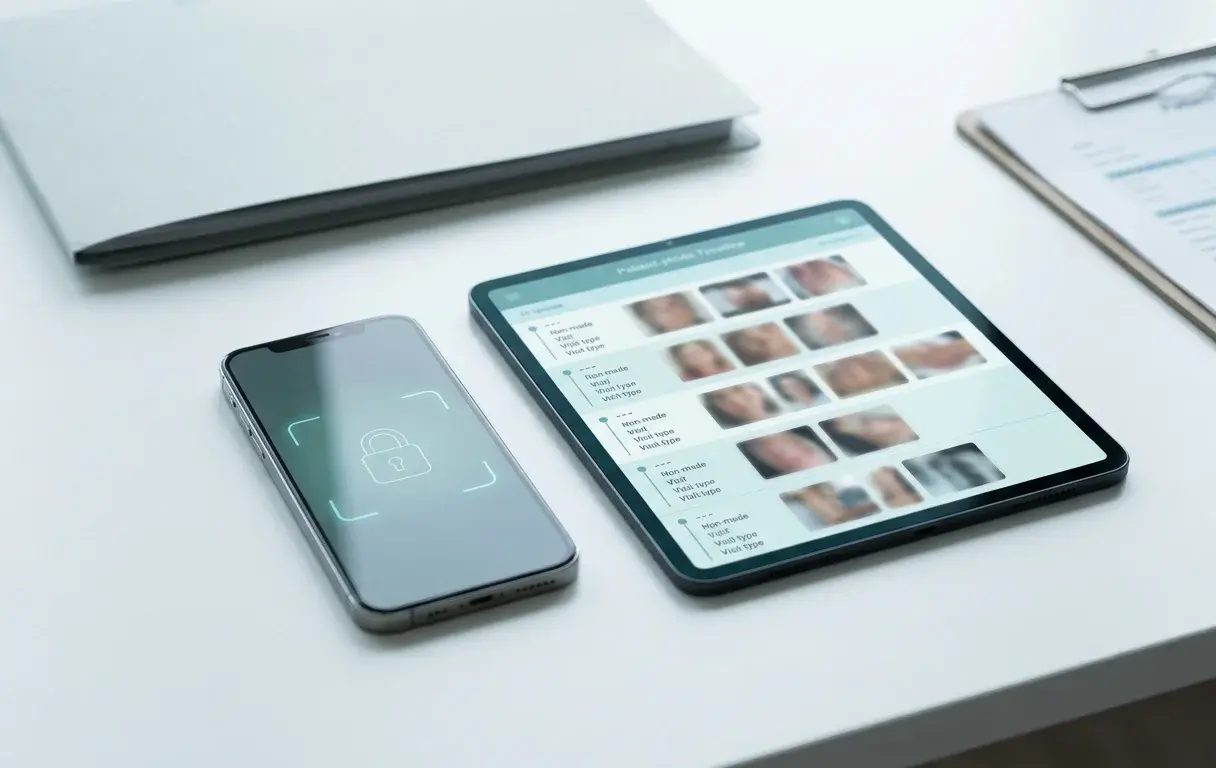
What Makes a Medical Photography App GDPR Compliant? 10 Features to Look For
Choosing a medical photography app for your clinic or medspa? Here are the 10 features that matter most under GDPR — from keeping photos out of personal galleries to EU hosting, audit trails, DPAs, and right-to-erasure workflows.
Read article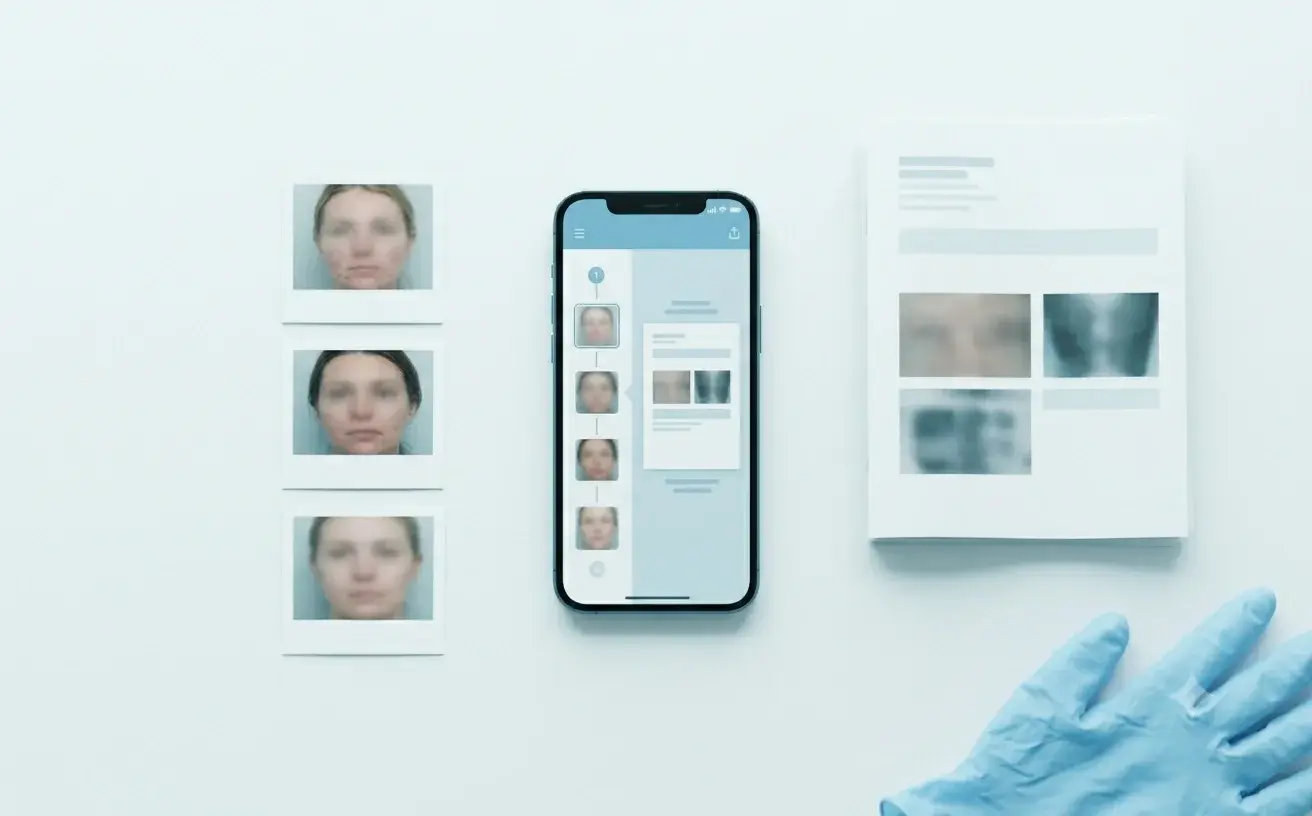
Patient Progress Reports: Why They Matter and How to Share Them Safely
Why patient progress reports and PDF treatment summaries matter for referrers, patients, and insurers — and how to share clinical photos as a structured report without assembling documents by hand.
Read article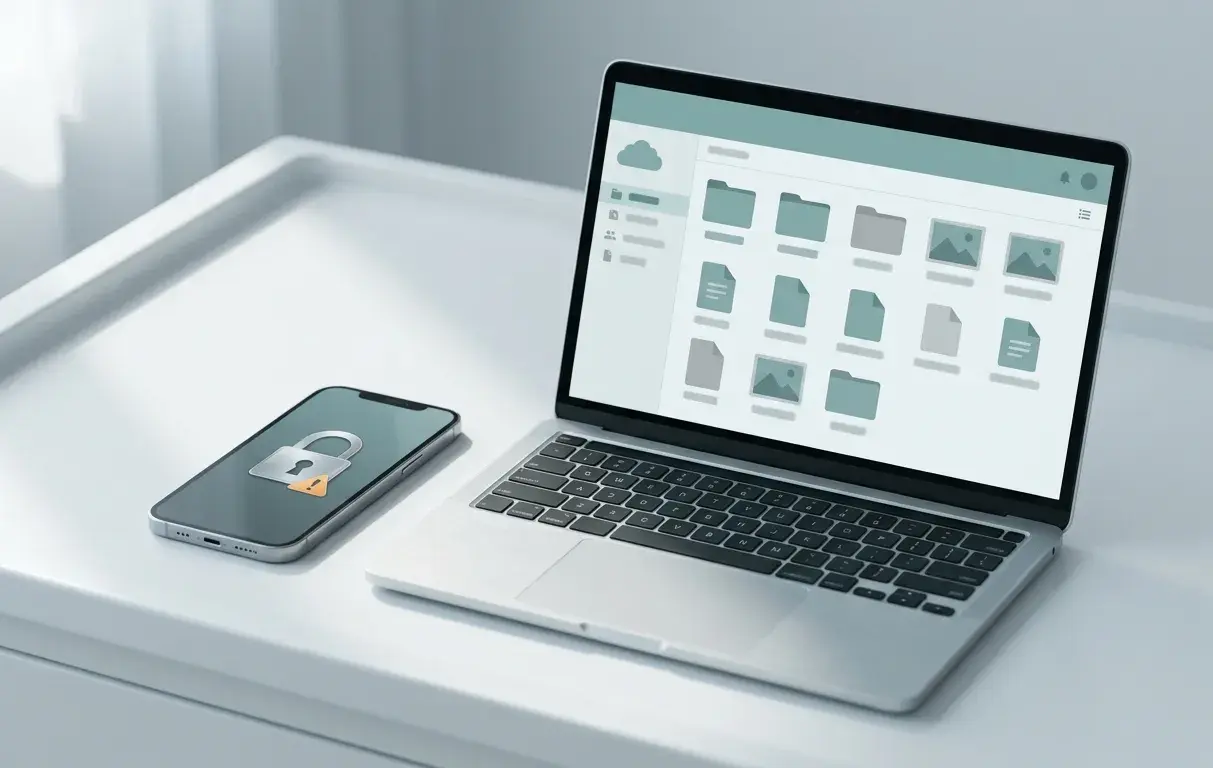
Can You Store Patient Photos in Google Drive? GDPR Rules (And What About Dropbox?)
Storing patient photos in Google Drive or Dropbox? Here's what GDPR actually requires — where consumer and business accounts fall short, and the clinical photo workflow that protects your practice.
Read article