
What Makes a Medical Photography App GDPR Compliant? 10 Features to Look For
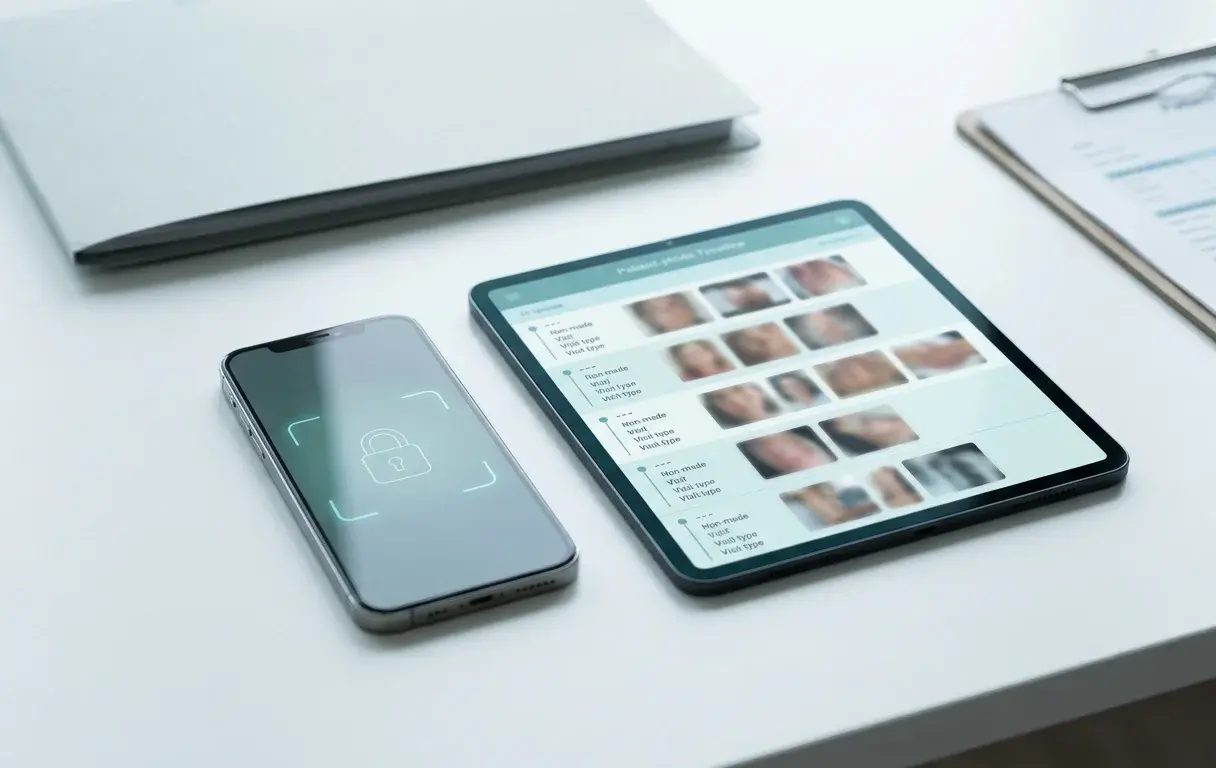
Introduction
You are mid-consultation and need to show a patient their treatment progress. Instead of opening a clean patient timeline, you unlock your phone and start scrolling through a mixed camera roll, hoping to find the right image before the patient notices something personal on screen.
That is the real problem clinicians and aesthetic practitioners are trying to solve. Not "buy compliance software." Just: keep patient photos separate, find them fast, compare visits clearly, and share them safely when a colleague needs to weigh in.
It is also where GDPR problems begin. For clinics and medspas operating in the EU or UK — dermatologists, plastic surgeons, aesthetic injectors, medspa owners, wound care specialists — finding a GDPR compliant medical photography app is not a checkbox exercise. It shapes how patient data is captured, stored, shared, and eventually deleted, every day.
This guide explains what GDPR actually requires for patient photography workflows, the 10 features that matter most, and the red flags that should give any buyer pause.
This article is educational, not legal advice. Final compliance depends on how your practice configures and uses the tool, your contracts, and the laws that apply in your jurisdiction.
The Short Answer
A medical photography app is sound for patient photos under GDPR when it captures images inside a dedicated clinical workspace that never writes to the personal camera roll, encrypts photos in transit and at rest, hosts all data in the EU, controls and logs who can access each patient record, signs a Data Processing Agreement, and supports deletion on request. Those six properties cover the core obligations — everything else builds on these foundations.
What Does "GDPR Compliant" Mean for a Medical Photography App?
Patient photographs are health data. Under Article 9 of the GDPR, health data is a "special category" of personal data, attracting stricter rules than ordinary personal information. Photographs that can identify an individual and that are collected or stored in a health context qualify — including photos taken at an aesthetic clinic, a medspa, or a wound care appointment.
Two roles matter here. The clinic is the data controller: the entity that determines the purpose and means of processing. The app vendor is the data processor: processing data on behalf of the controller. This distinction matters when something goes wrong, and it matters for contracts.
"The vendor told us the app is compliant" is not enough. GDPR compliance is a property of the whole workflow — how the app is configured, how staff use it, what contracts are in place, and whether patient rights can actually be exercised. No badge or marketing claim substitutes for that.
What GDPR Actually Requires for Patient Photos
Lawful basis and explicit consent. Processing special category data requires both a lawful basis under Article 6 and a condition under Article 9. In clinical contexts, processing often relies on healthcare provision (Article 9(2)(h)) or, where that does not apply, explicit consent. When consent is the basis, it must be specific, informed, and freely given — blanket "sign here" forms generally do not meet the standard.
Article 28 processor contracts (DPAs). Whenever a clinic uses a third-party app to store or process patient data, Article 28 requires a written Data Processing Agreement. The DPA defines what the processor can do with the data, security obligations, subprocessors, and what happens at the end of the contract. An app vendor who cannot produce a DPA before procurement is a risk.
Article 32 security of processing. Clinics must implement appropriate technical and organisational measures to protect personal data. For patient photography this means encryption in transit and at rest, access controls, and measures to limit exposure in the event of a breach.
Article 17 right to erasure. Patients can request deletion of their data in certain circumstances. Even where medical record retention obligations override erasure, the practice needs a working process for identifying all images linked to a patient and acting on deletion requests where they are valid.
Data minimisation. Collect only what you need for the documented purpose. An app that prompts staff to capture unnecessary identifying information, or that backs up to personal cloud accounts by default, works against this principle.
International transfers. If patient data leaves the EU or EEA, that transfer needs a legal mechanism. EU-hosted data residency avoids the question entirely for most practices.
10 Features to Look For
1. Dedicated Capture That Never Writes to the Personal Camera Roll
This is the first feature to check, because it removes one of the most common GDPR risks at the source.
When staff capture patient photos with the default phone camera and upload them later, the image lands in the personal gallery first. That creates avoidable problems: auto-backup to personal iCloud or Google Photos accounts, accidental sharing with family members, and no clear audit trail for when the image was created or where it went.
A well-built medical photography app captures images inside the secure clinical workflow from the first tap. The photo never appears in the personal gallery. PixioDoc works this way by design: every capture goes directly into the patient's timeline, not the device's photo library. For aesthetic injectors and medspa owners showing before/after results, this separation also matters practically — treatment photos should not be sitting alongside personal holiday pictures.
2. Encryption in Transit and at Rest
Encryption is not the whole story, but it is the floor. Patient images should be protected while moving between device and server (in transit) and while stored in the vendor's infrastructure (at rest).
Ask vendors for specifics, not marketing language. PixioDoc encrypts all data using TLS 1.3 in transit and AES-256 at rest. Those are the standards worth asking about. If a vendor cannot explain their encryption in plain terms before you sign up, treat that as a warning.
Encryption alone does not make a weak workflow compliant, but an app without clear encryption practices is difficult to justify under Article 32.
3. EU-Hosted Data Residency
Where patient data lives matters under GDPR. If a vendor hosts data outside the EU or EEA without an appropriate transfer mechanism, every upload is a potential violation — and the clinic, as controller, shares that responsibility.
EU data residency removes most of this risk. Ask the vendor where data is hosted and which subprocessors hold copies. PixioDoc's backend is EU-hosted, which means patient photos stay within EU jurisdiction by default. No transfer mechanisms needed, no awkward answers about US server locations.
For practices serving patients across multiple jurisdictions, this is a material difference between vendors.
4. Granular Access Controls and Session Locks
The app should not assume that anyone who picks up the phone should see every patient. Role-based access, biometric or strong app-level authentication, and automatic session timeout after inactivity are the baseline.
PixioDoc locks the app after 15 minutes of inactivity and supports biometric authentication. For aesthetic clinics where reception staff and lead practitioners have different access needs, granular permissions matter. When a staff member leaves, access should be revocable without affecting the shared patient records.
Limiting who can access special category data is part of appropriate security under Article 32. An app that leaves all patient records visible to anyone who unlocks the device is not meeting that standard.
5. Audit Trails
If a patient image is viewed, uploaded, shared, or deleted, the clinic should be able to see that. Audit logs answer the accountability questions that GDPR requires controllers to be able to answer:
- Who accessed this patient's photos?
- When were the images uploaded?
- Was this case shared, and with whom?
- Was data exported or deleted?
Without logs, it is difficult to investigate incidents, demonstrate accountability to a supervisory authority, or respond to a patient access request. PixioDoc maintains audit trails as part of its security architecture.
6. A Signed DPA
A Data Processing Agreement is not optional when a third-party app stores or processes patient health data. Article 28 requires it. A vendor who hesitates to produce one, or who offers something vague, represents a compliance gap rather than a tool.
A solid DPA will specify: what data the processor handles, security obligations, subprocessor disclosures, data return or deletion at contract end, and breach notification timelines. PixioDoc provides a DPA for all customers. Read the full terms on the PixioDoc DPA page.
For aesthetic clinic owners and medspa operators who may be new to GDPR procurement: ask for the DPA before you subscribe. Any vendor serious about healthcare data should have it ready.
7. Right-to-Erasure and Deletion Workflows
When a patient asks for their photos to be deleted, the clinic needs to be able to act. Under Article 17, the right to erasure applies in certain circumstances — though it is not absolute where medical record retention obligations exist.
The workflow still has to be manageable. That means: find all media linked to that patient, apply the deletion where it is legally appropriate, and confirm it. If doing this requires a support ticket or manual engineering work, the app is not built for GDPR-era operations.
Ask vendors specifically: how do I delete all images for one patient? The answer should be a clear, in-app workflow, not a workaround.
8. On-Image Privacy Blur and Annotation Before Saving
This feature addresses the data minimisation principle directly. If an image captures identifying information that does not need to be stored — a face in a wound care photo, background context in an aesthetic session — the clinic should be able to remove it before the image is saved to the patient record.
PixioDoc's annotation and privacy blur tools let you blur identifying features or annotate areas of clinical interest directly on the image before it is saved to a session. The image is never stored with unnecessary identifying detail visible. For aesthetic practitioners taking full-face photos for botox or filler comparisons, this control matters when a patient later requests deletion or access.
9. Controlled, Time-Bound Sharing Instead of Messaging Apps
Sharing patient cases for second opinions or referrals is a normal part of clinical practice. The question is whether the app supports this in a controlled, auditable way — or whether the path of least resistance is to screenshot and send via WhatsApp.
Look for sharing that is limited to the relevant case, requires permissions, and is time-bound or revocable. PixioDoc supports case sharing with controlled access, logged in the audit trail.
Uncontrolled sharing via messaging apps or open cloud links creates exactly the kind of unaccountable disclosure that Article 32 is designed to prevent. For the full picture on clinical photo sharing, see sharing medical photos between professionals.
10. Export and Retention Controls
The clinic needs to be able to locate and export all images for a given patient, apply retention policies consistently, and delete data when legally appropriate. This is the operational side of Article 17 and Article 5(1)(e) storage limitation.
An app that makes export or deletion difficult — or that leaves orphaned copies across personal device backups — becomes a liability rather than a tool. Ask: can I export a full patient record including all images and session notes? Can I apply a retention period? The answers should be yes and straightforward. PixioDoc Pro can also generate patient progress reports from selected sessions — PDF treatment summaries for referrers, patients, or insurers when a full record export is more than you need.
Quick Evaluation Checklist for Buyers
Use this when comparing vendors:
| Feature | What to ask the vendor | Why it matters under GDPR |
|---|---|---|
| Camera roll isolation | Do photos ever appear in the device's personal gallery? | Prevents accidental backup to personal cloud accounts |
| Encryption | What protocols do you use in transit and at rest? | Article 32 security of processing |
| Data residency | Where is data hosted? List all subprocessors. | Avoids international transfer complications |
| Access controls | How do you manage roles, timeouts, and offboarding? | Limits access to special category data |
| Audit logs | Can we see who accessed or shared a patient record and when? | Accountability under Article 5(2) |
| DPA | Will you sign a Data Processing Agreement before we start? | Article 28 — not optional |
| Erasure workflow | How do we delete all data for one patient? | Article 17 right to erasure |
| Privacy blur | Can staff blur identifying features before an image is saved? | Data minimisation principle |
| Sharing controls | Is sharing time-bound, permission-based, and logged? | Prevents uncontrolled disclosure |
| Export | Can we export a full patient record on request? | Data subject access requests and portability |
Red Flags to Watch For
Pause before buying if you see any of these:
- No DPA available, or a vendor who hedges when asked
- Photos land in the personal camera roll after capture
- No audit log for access or sharing events
- Vague or evasive answers about where data is hosted
- No in-app deletion workflow for individual patients
- Sharing that works through open, uncontrolled links
- A workflow awkward enough that staff will bypass it and revert to screenshots
These are not minor product quirks. They usually mean the app was not built around clinical privacy requirements from the start.
If You Practice in the US: A Note on HIPAA
If you practice in the US, HIPAA — not GDPR — is your primary framework. The good news: the safeguards this guide describes (dedicated capture, encryption in transit and at rest, access controls, audit trails, deletion workflows) are the same technical safeguards HIPAA expects for electronic protected health information on mobile devices. PixioDoc is built around those safeguards, with GDPR-aligned (EU and UK) data handling. Evaluate any vendor against your own obligations — including whether your use case requires a business associate agreement — before storing patient photos.
For a deeper look at general-purpose cloud storage in clinical workflows, see is Google Drive a good choice for patient photos? and why using your personal phone for patient photos creates problems.
Frequently Asked Questions
Is PixioDoc GDPR compliant?
PixioDoc is built for GDPR-aligned data handling. Patient photos are captured directly into a dedicated workspace without entering the personal camera roll. Data is encrypted in transit (TLS 1.3) and at rest (AES-256), with primary clinical data hosted in the EU/EEA, and covered by audit trails. PixioDoc signs Data Processing Agreements and supports deletion workflows for right-to-erasure requests. Your overall compliance depends on how your practice uses the tool, your lawful basis, and patient consent workflows.
Do I need a DPA with my photo app vendor?
Yes, if the vendor processes personal health data on your behalf. Article 28 of the GDPR requires a written Data Processing Agreement whenever a data controller uses a processor. An app that stores patient photographs is acting as a processor. Request the DPA before you subscribe — a vendor who cannot produce one promptly should not be handling your patients' health data.
Can I use a free consumer app for patient photos under GDPR?
No, not appropriately. Free consumer apps — including standard camera apps with auto-backup, personal Google Photos accounts, or general file storage — are not designed for health data. They typically do not provide DPAs, do not keep data within the EU by default, offer no audit trails, and back patient images up to personal accounts. The GDPR's special category data rules apply regardless of the platform. Using consumer apps for patient photography creates risk that cannot be managed away.
What happens when a patient asks me to delete their photos?
The request triggers your obligations under Article 17. You need to locate all images and session data tied to that patient, assess whether medical record retention obligations override the erasure request, and delete what can be deleted while documenting the decision. A well-built app makes the first step straightforward: search by patient and see everything. If your current tool turns this into a manual hunt across devices and cloud accounts, that is a workflow problem and a compliance gap.
Does GDPR apply to aesthetic photos if the patient pays privately?
Yes. GDPR applies to the processing of personal data, not to the payment arrangement. Health data is a special category regardless of whether the clinic operates on the NHS, as a private practice, or as a medspa accepting self-pay aesthetic treatments. A photograph taken at a cosmetic injector appointment is health data under Article 9 the same way a wound care photo is. Private payment does not reduce the obligation.
Does UK GDPR change any of this?
Not materially for most practices. The UK retained GDPR as UK GDPR following Brexit, with the same core framework: special category health data, Article 5 principles, controller and processor responsibilities, and data subject rights. The ICO is the supervisory authority. The 10 features in this guide apply equally under UK GDPR. Practices operating only in the UK should check ICO guidance for any divergence, but the evaluation criteria are the same.
What is the single most important feature to check first?
Whether the app keeps patient photos out of the personal camera roll from the moment of capture. If it does not solve that, every downstream safeguard is undermined — images back up to personal cloud accounts, mix with personal content, and leave an uncontrolled trail across devices. A dedicated capture workflow that goes straight to the clinical record is the foundation everything else depends on. See why personal phone galleries create problems for patient photo storage for a full breakdown.
Final Takeaway
The best medical photography app is not the one with the longest feature list. It is the one that makes the safe workflow the normal workflow: capture inside a dedicated workspace, organised by patient and visit, secured from the first photo, and manageable when a patient asks questions about their data.
For clinics and medspas operating under GDPR, the evaluation is direct: does the vendor keep photos out of personal galleries, encrypt and EU-host the data, sign a DPA, maintain audit trails, and support deletion when you need it? If yes to all five, you are working with a product built for the real demands of clinical photography.
PixioDoc is designed around exactly that standard. You can start with up to 10 patients free — no demo call required — and see whether dedicated capture, patient timelines, side-by-side comparison, and aesthetic before/after workflows fit your practice before committing. Try PixioDoc.
Keep patient photos out of your camera roll
PixioDoc gives you a dedicated workspace to capture, compare, and share patient photos — organized by patient timeline, never mixed with your personal gallery.
EU-hostedEncrypted in transit & at rest
Keep reading

Why You Shouldn't Use Your Personal Phone for Patient Photos (And What to Do Instead)
Patient photos on a personal phone — next to family pictures, auto-syncing to a personal cloud — are a GDPR failure waiting to be noticed. The privacy, legal, and professional risks explained, and the workflow that fixes them.
Read article
Can You Store Patient Photos in Google Drive? GDPR Rules (And What About Dropbox?)
Storing patient photos in Google Drive or Dropbox? Here's what GDPR actually requires — where consumer and business accounts fall short, and the clinical photo workflow that protects your practice.
Read article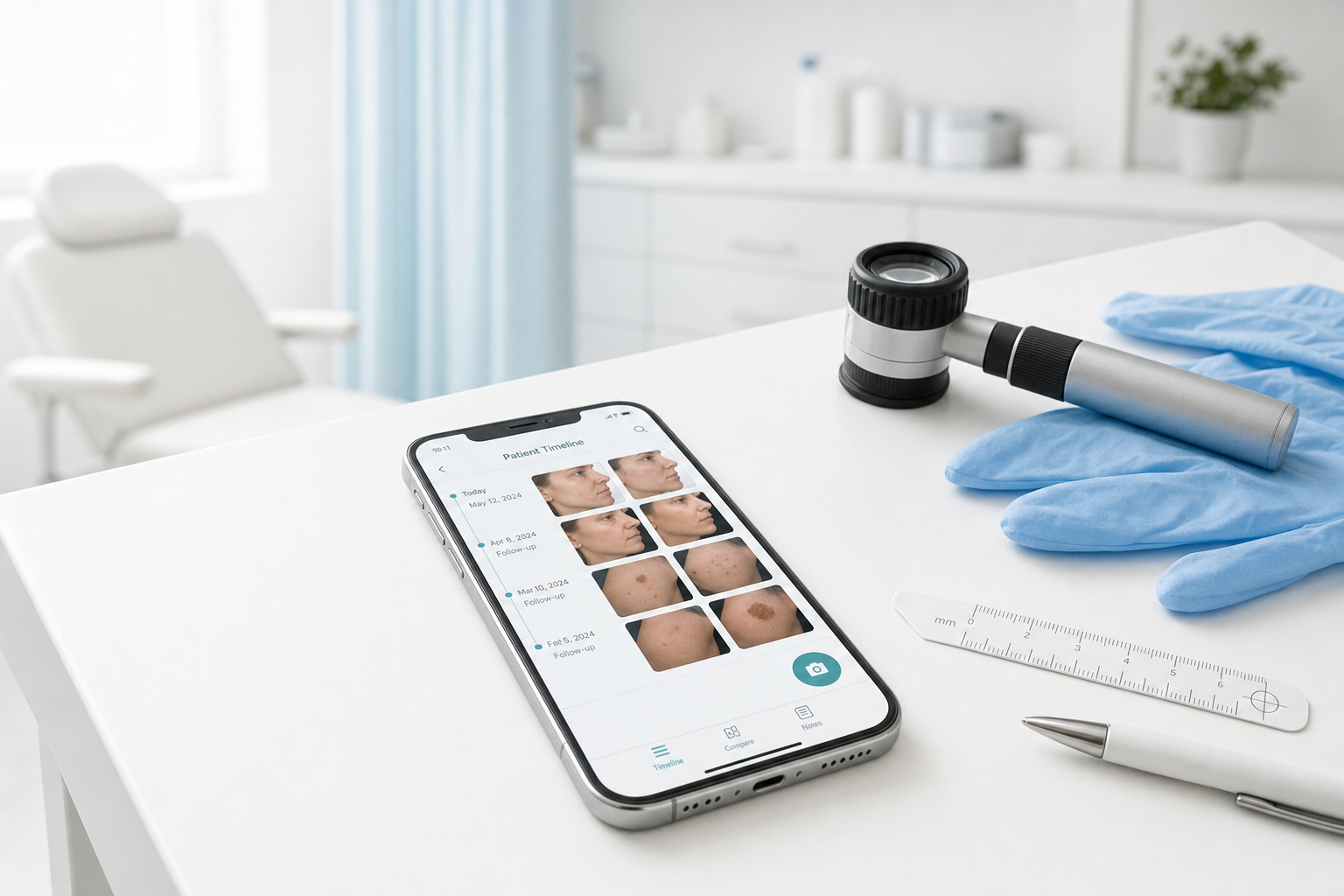
Best Medical Photo Apps for Dermatologists (2026 Buyer's Guide)
Compare the best medical photo apps for dermatologists — standalone mobile tools vs PM platforms vs EMR modules. Pricing, free tiers, comparison features, and who each fits.
Read article