
Patient Progress Reports: Why They Matter and How to Share Them Safely
Introduction
You finish a follow-up with clear visual evidence that treatment is working — but the patient walks out with only a verbal summary. The referring GP has no idea what happened since the referral letter. A colleague has a compressed screenshot with no dates. Everyone who needs the visual story has a fragment of it.
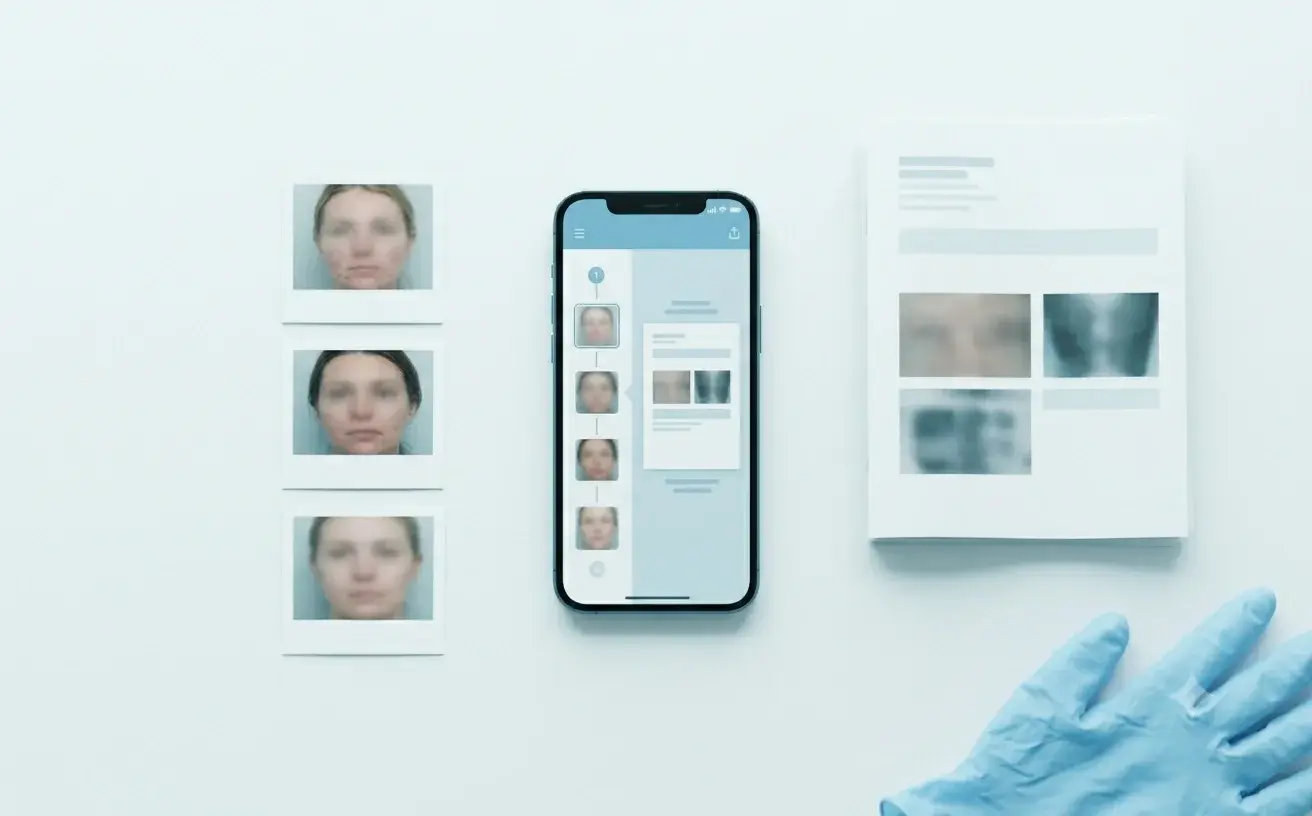
Patient progress reports close that gap. A clinical progress report turns scattered clinical images into structured visual treatment documentation — a shareable patient treatment summary with session dates and context. It is not your formal medical record; it is the summary that helps people who were not in the room understand what treatment actually did.
This guide covers why reports matter, who should receive them, and how to create a patient progress report from clinical photos without rebuilding PDFs by hand.
What Is a Patient Progress Report?
A patient progress report (also called a clinical progress report or patient photo documentation report) is a PDF of the individual photos you choose from specific sessions, with the dates and notes you decide to include. Comparison layouts stay in the app. Unlike a single before-and-after image sent by text, it presents a curated set of visits: which sessions matter, what changed, and what you want the recipient to understand.
Think of it as a before-and-after report for patients and referrers — the full visual evidence of treatment response, not one comparison image.
In dermatology, plastic surgery, aesthetic medicine, wound care, and orthopedics, images are often the most persuasive evidence of progress. The clinician decides what to include before anything leaves the practice — critical when patient photos are special-category data under GDPR.
Why Patient Progress Reports Matter
For patients: extend the in-room comparison
Patients forget their "before." Gradual change blindness means slow improvements go unnoticed daily but become obvious in a direct comparison — which is why side-by-side reviews work in the chair, and why the same story needs to leave with the patient.
Sharing clinical photos with patients as a curated PDF — not a camera-roll scroll — turns that moment into lasting clarity. A dated record of treatment results supports adherence, rebookings, and realistic expectations. Patients who leave with only verbal reassurance often undervalue gradual results, especially in aesthetic and dermatology workflows where change unfolds over weeks. Our guide on why patients don't see their own results explains the perception problem; a progress report is the takeaway that extends the reveal beyond the chair.
For referrers and colleagues: visual context that letters lack
Referral letters carry narrative; they rarely carry the visual evidence behind the referral. The receiving clinician starts partly blind — relying on description where images would answer in seconds.
A progress report gives the next provider baseline, interim visits, and current state — so when you share patient photos with a referrer, they get visual evidence with context, not a compressed attachment in an email thread. You control what is included, so sensitive images can be excluded without losing clinical value.
The same applies to second opinions and multidisciplinary review: a clinical photo report shows trajectory, not just an endpoint. Consumer messaging apps compress, decontextualise, and leave no audit trail. For why that matters legally, see sharing medical photos between professionals.
For insurers, compliance, and your practice
Not every request comes from a clinician. Insurers may ask for evidence of treatment response. Employers may need occupational health documentation. Patients may require records for travel, sports clearance, or medicolegal purposes.
A selective progress report answers these with a professional, dated document — without exporting your entire patient file or manually assembling slides. You include only what the request requires, which aligns with GDPR data minimisation: share the minimum necessary to answer the question.
Inconsistent documentation is also a liability. When progress exists only in unstructured notes or scattered across personal devices, you cannot reconstruct the visual story months later if a patient questions outcomes or a regulator asks what was shared and when. A generated report creates a clear artefact — what was documented, the dates, what you selected for sharing — strengthening the chain that protects clinicians without replacing your EHR.
Who Should Receive One — and What to Include
Match content to the recipient. The pattern is the same every time: include only what answers their question. A patient takeaway emphasises treatment results they can revisit at home. A referrer package emphasises baseline-to-current trajectory and your specific clinical question. An insurer response includes nothing beyond the dated evidence requested.
| Recipient | Include | Avoid | |-----------|---------|-------| | Patients | Key before-and-after comparisons, milestone visits, plain-language summaries | Session dumps, unreviewed images, notes you would not say aloud | | Referrers | Baseline, relevant interim sessions, current state, your clinical question | Full timelines, informal channels without safeguards — see GDPR-compliant clinical photo apps | | Colleagues | Sessions relevant to the question, enough timeline to show trajectory | Permanent access when a one-off PDF handoff suffices | | Insurers / third parties | Only what the request specifies — dated images and brief context | Every image ever captured |
Live case sharing suits ongoing collaboration — a colleague adding sessions over multiple visits. A PDF patient report suits discrete handoffs: a referral package, a patient leaving with a treatment summary, an insurer request answered once.
What Belongs in a Good Report — and Why Manual Assembly Fails
Not every session belongs in every report. Curation is the point — a clinical progress report is visual treatment documentation with a specific audience, not an archive dump.
Strong reports share five traits:
- Dated sessions — "after photo" without a date is clinically weak
- Minimum images that tell the story — baseline, milestones, current state
- Consistent framing — follow medical photography best practices and professional before-and-after standards; a report is only as credible as its images
- Brief context per session — treatment given, healing stage, response noted
- Clinician review — select every image before it leaves; automated full-timeline exports remove control
Many clinicians still put together progress summaries by hand for patients or referrers — exporting images into Word or PowerPoint, then fixing the layout. That takes time, and the file drifts away from the patient timeline.
Worse, manual reports usually travel through email attachments, personal cloud links, or messaging apps — the same channels that create GDPR exposure when sharing patient photos on personal phones or consumer cloud storage. When assembly is painful, clinicians either skip reports or send everything to avoid curating. Neither is ideal. The fix is generating reports from the timeline where images already live.
How to Create a Patient Progress Report from Clinical Photos
Four steps, inside your clinical photography system:
1. Capture and organise by session. Photos linked to the right patient and session, with consistent positioning where comparison matters. Ghost overlays, annotation, and privacy blur at capture mean images entering a report are already clinical-grade. If your images live in a personal camera roll, report generation requires manual recovery work first.
2. Compare in the room. Side-by-side comparison or a progress slider confirms which sessions matter — you are not guessing what to include; you already showed the patient the comparison that landed.
3. Select sessions and images. Choose visits for this report, then images within each. A dermatologist referral needs different content than a patient takeaway after filler. Selective export is a privacy feature: share what the recipient needs, not your entire patient record.
4. Generate the PDF, review, and share. Preview the medical progress report PDF before it leaves your practice. Send through an appropriate channel — secure email, patient portal, or clinical platform handoff — and keep a record of what was generated.
On Pro and Teams, steps three and four are built in: select sessions and images, generate a PDF patient report, share treatment progress with the patient, referrer, or colleague. You control every page. Reports draw from the same encrypted, EU-hosted patient record — not a personal gallery. For ongoing collaboration rather than a one-off handoff, secure case sharing lets colleagues add sessions to the same timeline with audit trails.
Secure clinical photo sharing basics: define recipient and purpose; minimise content to what the request requires; use channels with appropriate safeguards (consumer messaging apps lack the DPAs and audit trails GDPR-regulated sharing needs); blur or exclude identifying details where appropriate; and treat generation-time selection as your main control for PDF handoffs. PixioDoc is EU-hosted, encrypted in transit and at rest, with audit trails — security as design, not marketing filler.
Reports by Specialty
Same principle everywhere: curate the timeline that answers the question.
- Dermatology — baseline, mid-treatment, and current state for chronic conditions; overview and close-up views. A dermatology progress report should show healing stages without dumping every visit into the PDF
- Aesthetic / medspa — standardised follow-up windows (e.g. two weeks post-toxin, four to six weeks post-filler); rest and animation views for injectables. An aesthetic treatment progress report supports rebooking when patients take visual evidence home. See Botox and filler photography and medspa documentation workflows
- Wound care — admission baseline, weekly progress with clinician-recorded measurements, discharge; wound healing progress reports need chronology to be clinically useful
- Plastic surgery — pre-op baseline through maturation; consistent Frankfort plane positioning matters for reports shown to patients or medicolegal reviewers
- Orthopedics — range-of-motion milestones, often with video; clinical photo reports for referring GPs should show trajectory, not just the latest snapshot
Frequently Asked Questions
How do I create a patient progress report from clinical photos?
Start from a patient timeline where images are already organised by session — not a personal camera roll. Compare visits in the room to confirm which sessions tell the story, then select those sessions and the specific images to include. Add brief context per visit, generate a PDF, and review every page before sharing.
On Pro and Teams, selection and PDF generation are built into the app: choose sessions and images, generate a patient report PDF, send to the patient, referrer, or colleague. Manual export — pulling images into Word or PowerPoint — works, but costs time and produces inconsistent before-and-after reports.
What is a patient progress report in clinical practice?
A structured PDF summarising a patient's visual treatment journey from selected sessions — shared with patients, referrers, or others who need treatment response evidence without your full medical record. You choose included content before generation.
Why should I give patients a progress report instead of just showing photos in the clinic?
In-room comparisons work during the consultation, but patients forget gradual change quickly. A take-home report extends that clarity — patients revisit before-and-after at home, share results with family, and arrive at follow-ups with realistic expectations. For aesthetic and dermatology practices, this supports retention because patients who see their own progress are more likely to continue treatment.
How do I share patient photos with a referring doctor safely?
Curate only referral-relevant sessions into a progress report and share through a safeguarded channel — not WhatsApp or a personal inbox. Include baseline, key interim visits, and current state with dates on every image.
What should I include in a report for a second opinion?
Baseline, trajectory sessions (not necessarily every visit), your specific question, and consistently captured images. A second-opinion clinical photo report should answer "what has happened since this started?" in one document.
What is the difference between a patient report and secure case sharing?
A patient report PDF is a one-off export for a specific handoff. Secure case sharing gives ongoing, controlled access inside your clinical platform. PixioDoc supports both on Pro and Teams.
Can I use a progress report for insurance requests?
Yes — include only what the request specifies: dated images and brief context. Selective reports align with GDPR data minimisation.
How is a patient progress report different from my EHR record?
Your EHR carries diagnoses, prescriptions, billing codes, and structured notes. A patient progress report is a visual summary curated for a specific audience — the portable, referrer-friendly distillation of the visual story your EHR often cannot tell well. It does not replace the formal record.
Does PixioDoc generate patient progress reports?
Yes. Pro and Teams generate PDF patient reports from selected sessions and images. You choose content before sharing with patients, referrers, or colleagues — from encrypted, EU-hosted storage with audit trails.
Ready to turn clinical photos into shareable progress reports? On Pro and Teams, PixioDoc builds PDF patient reports from selected sessions — you control every page. Start free with up to 10 patients and 5 sessions each. Download PixioDoc to see capture, comparison, and reporting in one workflow.
Keep patient photos out of your camera roll
PixioDoc gives you a dedicated workspace to capture, compare, and share patient photos — organized by patient timeline, never mixed with your personal gallery.
EU-hostedEncrypted in transit & at rest
Keep reading
What Makes a Medical Photography App GDPR Compliant? 10 Features to Look For
Choosing a medical photography app for your clinic or medspa? Here are the 10 features that matter most under GDPR — from keeping photos out of personal galleries to EU hosting, audit trails, DPAs, and right-to-erasure workflows.
Read article
Why You Shouldn't Use Your Personal Phone for Patient Photos (And What to Do Instead)
Patient photos sit in the same camera roll as family pictures, and they sync to a personal cloud. That is how images get lost, shown by accident, and left outside the clinical record. Under GDPR they are special category data, which is why the storage choice matters.
Read article
Best Medical Photo Apps for Dermatologists (2026 Buyer's Guide)
Compare the best medical photo apps for dermatologists — standalone mobile tools vs PM platforms vs EMR modules. Pricing, free tiers, comparison features, and who each fits.
Read article