
Best Before and After Photo Software for Plastic Surgery (2026 Buyer's Guide)

The short answer: Plastic surgery before and after photo software falls into three buckets. EHR suites such as Symplast, or Nextech with TouchMD, keep photos inside a full practice system alongside scheduling and charting. Photo and consultation platforms such as CureCast, RxPhoto, and TouchMD add marketing galleries, consent tools, or consult-room capture on top of a broader product. Standalone apps such as PixioDoc and PhotoDoc focus on fast phone capture, in-consult comparison, and sharing, with public pricing and no demo gate. Match the category to whether you are replacing systems, bundling photos with scheduling, or documenting beside the EHR you already use. For plastic surgery workflows on PixioDoc, the standalone path sits next to the chart — it does not replace it.
Last updated: October 2026. Competitor pricing and features below reflect PixioDoc compare pages last refreshed September 2026; confirm current vendor terms before you buy.
At a glance
| Product | Type | Platforms | Free tier / trial | Public starting price | Ghost / overlay | Before / after comparison | Scheduling / EHR | Consent forms | Data hosting | Best for |
|---|---|---|---|---|---|---|---|---|---|---|
| Symplast | EHR / practice OS | Mobile + web (practice-wide) | With subscription | Not published | In-chart media tools | Shareable sets in chart | Full EHR | Chart-integrated | Not published | Plastic surgery groups replacing the practice stack |
| Nextech + TouchMD Snap | Clinical photography module | iOS / iPad primary | Not public | Not published | Overlay, gridlines | Before / after in suite | Nextech EMR sync | Via TouchMD Consult bundle | Not published | Nextech practices, studio-style capture |
| CureCast | Photo + practice platform | iOS, Android, web | 14-day trial | $150/mo Starter (annual) | Yes | Overlay / slide on higher tier | Higher tiers add PM tools | Platform-dependent | Not published | Plastics, dermatology, medspa photo + ops |
| RxPhoto | Aesthetic photo platform | Mobile + web (vendor-led) | Demo-led | Not published | Ghosting overlays | Marketing galleries | Not a full EHR | Digital forms built in | Not published | US aesthetic marketing + consent workflows |
| Aesthetic Record | Medspa EMR | iOS, web dashboard | Not public self-serve | $15/user/mo + $399 startup | SmartMatch alignment | In EMR | Full medspa EMR | Chart-integrated | Not published | Medspas buying charting + POS + photos |
| PhotoDoc | Standalone photo app | iOS, Android, web | 50-photo trial | $9.99/mo (1,000 photos) | Ghost overlay | Collages, before / after | No | No | Not published | High photo volume, optional AI analysis tiers |
| PixioDoc | Standalone photo app | iOS, Android; web on Pro and Teams | 10 patients, 5 sessions each | €8.99/mo Pro | Ghost overlay (all plans) | Slider (Free); side-by-side, multi-image (Pro) | No — sits beside EHR | No | Stored in the EU | Solo surgeons documenting on a phone |
Cross-specialty buyers may also read the dermatology photo app buyer's guide for overlapping capture habits.
What plastic surgeons should look for
Consistent capture with overlays and standard views
Rhinoplasty, breast, abdominoplasty, blepharoplasty, and facelift series only persuade patients when frontal, oblique, and lateral views repeat at the same distance and lighting. Ghost overlays, gridlines, or SmartMatch-style alignment reduce angle drift between pre-operative and post-operative sets. Pair software with a room protocol from professional before-and-after photos and medical photography best practices.
Patient timeline
Surgical documentation spans consultations, operating-day sets when you capture them, and serial follow-ups. Images should attach to one patient record in visit order — not scattered albums or unnamed folders.
Comparison for consultations
Swelling-phase reviews need side-by-side or slider views in the room, not exports you assemble later. The comparison moment is when patients decide whether to trust the process.
Security and privacy safeguards
Look for revocable sharing, clear access roles and a record of who exported or shared what. Ask each vendor where patient photos are stored. Patient photographs are sensitive health data, and syncing them to a personal photo gallery is a common gap.
Consent and marketing use
Clinical consent, portfolio marketing, and social posts are different lawful bases and workflows. Platforms with built-in consent forms (RxPhoto, full EMRs) bundle that step. Standalone documentation apps assume consent is handled in your existing process — do not reuse clinical captures for marketing without a separate consent path.
Fit with EHR and scheduling
If scheduling, charting, and billing already live in Symplast, Nextech, or Aesthetic Record, photos may belong there. If the EHR is fixed but consult comparison is weak, a standalone app beside the chart is often enough.
Three categories of software
1. EHR and practice operating systems — Symplast and similar plastic-surgery-first platforms treat media as part of the patient chart, with scheduling and payments in the same product. Buying here is a practice-system decision.
2. Photo and consultation platforms — CureCast, RxPhoto, and TouchMD (often with TouchMD Consult) emphasise patient photos, marketing galleries, consent, or consult tools. Some tiers add scheduling, e-prescribing, or billing.
3. Standalone documentation apps — PixioDoc and PhotoDoc optimise capture, timeline, and comparison on the phone. Public pricing, self-serve signup, and no chart replacement.
Most practices touch more than one category over time. The question is which category you are buying now, not which label fits forever.
The options compared
Symplast
Symplast is a mobile-first EHR and practice operating system aimed at plastic surgery and medspas. In the compare data, photos live in the patient chart: in-app capture with tagging, patient-facing shareable sets, and one-click social export from the chart. Before-and-after sits inside the media module rather than a separate download. The product type is an all-in-one EHR and practice OS — charting, scheduling, and billing ship with media, not as an optional photo subscription.
Signup runs through a demo (about 30 minutes in the compare copy) at custom pricing with no public list price and no self-serve free tier. That motion fits a practice consolidating charting, scheduling, payments, and photos into one vendor. It is a poor fit when you only need timelines beside Epic, ModMed, or another EHR you already run.
On capability, Symplast covers plastic surgery and medspas primarily, with mobile-first iOS and Android apps and video in the media module. PixioDoc’s compare page positions Symplast as strong on chart-native media, shareable sets, and social export, while a standalone app wins on public €8.99/month Pro pricing, a permanent free tier, and PDF handoffs from selected individual photos. See PixioDoc vs Symplast.
Nextech with TouchMD Snap
TouchMD Snap is Nextech’s clinical photography module for plastic surgery, medspas, dermatology, and dentistry. The compare entry describes overlay and gridline alignment, optional Canon DSLR tethering, and Snap Pro with AI positioning guides. Photos sync to the Nextech EMR; the module is sold inside TouchMD Consult and myTouchMD rather than as a standalone App Store product.
Pricing is custom and demo-led — not publicly listed — with no self-serve free tier. Capture workflows are iOS and iPad-centric, with web workflows in the wider TouchMD suite. Android is not a parity target in the compare data, which matters for mixed-device groups.
Strengths in the compare table: EMR sync within Nextech, DSLR tethering for studio photography, AI positioning on Snap Pro, and the bundled consultation and patient-facing platform (TouchMD Consult, myTouchMD). Limitations relative to a standalone app: no public €8.99/month entry, no PDF progress reports framed as clinician-selected handoffs, and dependence on a Nextech subscription. Details: PixioDoc vs TouchMD Snap.
CureCast
CureCast is documented in compare data as a patient photo platform for plastic surgeons, dermatologists, and medspas, from $150/month on annual Starter billing ($180/month if billed monthly), with a 14-day trial rather than a permanent free tier. Self-serve signup is available via website and app stores. Video capture is on the Starter tier; overlay and slide comparison sit on the Practice tier ($200/month in the compare FAQ), which also adds remote patient photo intake.
Higher tiers bundle scheduling, e-prescribing, and billing — practice-management modules PixioDoc does not sell. CureCast also lists WhatsApp sharing for practices that already communicate that way. The compare page notes Starter can include up to 500 patients on paid tiers.
Strengths: a clear focus on plastic surgery, dermatology and medspas, and practice-management tools on higher tiers. Limitations for documentation-only buyers: entry price roughly fifteen times PixioDoc Pro in the compare copy, overlay comparison and remote intake gated to Practice, and PDF progress reports described as a stronger PixioDoc workflow than CureCast’s platform focus. PixioDoc vs CureCast.
RxPhoto
RxPhoto appears in compare data as an aesthetic-practice and medspa-focused tool: guided capture, ghosting overlays, digital consent forms, and marketing galleries that auto-sync before-and-after photos for promotion. Progress comparison exists, but the product emphasis is consent plus marketing, not a cross-specialty clinical timeline.
There is no self-serve free tier; signup requires a demo or get-started call. Pricing is enterprise-oriented and not publicly listed on the compare page. Ghosting overlays tie on capability with PixioDoc; consent forms and marketing galleries are RxPhoto advantages in the table. PixioDoc’s compare positioning highlights broader specialty coverage (dermatology, wound care, orthopedics, plastic surgery, and primary care), transparent €8.99/month Pro pricing, native video, and PDF reports from selected individual photos.
Strengths: built-in digital consent, marketing gallery sync, and a workflow tuned to aesthetic practices. Limitations: demo friction for solo surgeons, opaque pricing, and a narrower specialty focus than a general clinical documentation app. PixioDoc vs RxPhoto.
Aesthetic Record
Aesthetic Record is a full medspa EMR in the compare data: before-and-after photos with SmartMatch alignment, video in the photo module, charting, POS, inventory, and telehealth. Published Essentials pricing is $15 per user per month plus a $399 startup fee (Accelerator is listed at $19 per user per month with the same startup fee in the comparison table). Enterprise plans are custom. There is no self-serve free tier.
Product type is practice management, not a standalone photo app. SmartMatch and in-EMR before-and-after comparison tie on alignment with PixioDoc’s ghost overlay story; charting, POS, inventory, and telehealth are Aesthetic Record advantages. PixioDoc’s compare page positions Aesthetic Record as US-oriented for hosting, with iOS app activity noted in the table and full Android on PixioDoc.
Strengths: medspa EMR depth when photos are one module inside charting, retail, and virtual consults. Limitations: EMR replacement scope, startup fee plus per-user pricing, and the wrong shape for a hospital plastics service that only needs consult comparison beside an existing chart. PixioDoc vs Aesthetic Record.
PhotoDoc
PhotoDoc is a self-serve medical photo documentation app with cloud storage and before-and-after comparisons. The compare entry offers a 50-photo trial with no permanent free tier. Starter is $9.99/month for 1,000 photos; Pro is $59.99/month for 100,000 photos with AI facial analysis and framing templates. Pro Teams is $349.99/month in the pricing table.
PhotoDoc organises chronologically and supports ghost overlay (tied with PixioDoc), before-and-after comparison, and framing templates on higher tiers. PixioDoc’s compare data gives PhotoDoc credit for AI facial analysis and templates; PixioDoc counters with unlimited patients on Pro at €8.99/month, native video capture and playback, PDF reports from selected individual photos, and patient-based rather than photo-count pricing.
Strengths: ghost overlay and collages for high-volume capture. Limitations: photo caps on long surgical series, manual PDF assembly rather than built-in progress reports, and Pro pricing several times PixioDoc Pro for comparable comparison features. PixioDoc vs PhotoDoc.
PixioDoc
PixioDoc is a standalone medical photo app for plastic and reconstructive surgery and other visual specialties — including aesthetic medicine injectables that share the same capture habits.
Free: up to 10 patients and 5 sessions per patient, with ghost overlay and the before-and-after progress slider.
Pro (€8.99/month or €79.99/year): unlimited patients and sessions; side-by-side and multi-image layouts; PDF patient reports from selected photos; sharing with View Only, Editor, and Admin roles; background removal; watermark toggle.
Teams: 4+ seats by proposal — organisation billing and the same Pro clinical feature set for groups.
Also on paid plans where noted: timeline with tags; markup including optional privacy blur; video up to 60 seconds per clip; GDPR data export; data stored in the EU.
Limits (state plainly): PixioDoc is not an EHR. It does not include scheduling, charting, billing, e-prescribing, built-in consent forms, marketing galleries, Canon DSLR tethering, AI positioning, or EMR integration. Capture and sync need an internet connection.
Positioning: PixioDoc sits beside your EHR — it does not replace it. For ASPS-aligned capture with Epic routing, see PixioDoc vs ImageAssist as a different buying motion.
Reconstructive and cosmetic practices alike need serial views on one timeline. The software choice matters less than whether every surgeon uses the same capture bay and the same app.
Which one fits your practice?
Solo surgeon on a phone — Start with a standalone app: PixioDoc’s free tier proves timeline and slider workflow; PhotoDoc suits clinicians who prefer photo-count billing and optional AI tiers. Keep the EHR for notes; document visually in a dedicated app. See personal phone patient photos for why the camera roll fails.
Group with an EHR — If the group runs Nextech or Symplast, evaluate TouchMD Snap or native chart media first. If the EHR is third-party and weak at comparison, add PixioDoc for consult-room sliders and PDF handoffs while charting stays put.
Scheduling and photos in one product — CureCast or a full EMR (Symplast, Aesthetic Record) fits when you are buying operations and documentation together. Expect higher monthly cost than a €8.99 documentation subscription.
Marketing galleries and consent-led aesthetic workflows — RxPhoto, CureCast on higher tiers, and EMR marketing modules target portfolio and promotion. Separate clinical consent from social use; mixing them without clear consent is a common compliance mistake.
A photo workflow for a plastic surgery practice
-
Create the patient record before the first pre-operative photo so every consultation and follow-up lands on one timeline.
-
Standardise the bay — same background, lighting, and floor marks for standing body procedures. Use ghost overlay on the second visit onward.
-
Capture serial post-operative intervals your protocol defines (for example week one, week six, month three). Timestamped visits build the swelling narrative.
-
Compare in the chair with slider or side-by-side before discussing revision. Let the image lead.
-
Share and report with controls — role-based access for trainees or referrers; PDF summaries when an insurer or patient needs a formal pack. See patient progress reports for clinical sharing.
-
Hand off without consumer messaging — use clinical sharing, not text threads. Sharing medical photos between professionals covers the checklist.
-
Audit before portfolio season — if marketing needs anonymised sets, export from the workflow that recorded consent, not from a surgeon’s personal favourites folder.
Trainees and locums should capture into the practice account from day one so continuity survives staff turnover. When a patient requests access to their images or deletion under data protection law, your vendor should support export and erasure with a record that the request was handled. PixioDoc offers GDPR data export on paid plans; ask any EHR vendor how it handles these requests.
Common mistakes
-
Relying on a personal gallery for pre-operative and post-operative sets — organisation, professionalism, and access control suffer. Move capture into a clinical workspace.
-
Changing camera height or angle between visits — makes good rhinoplasty or mastopexy results look ambiguous. Fix the protocol before you fix the vendor.
-
Using clinical images for marketing without separate consent — portfolio and treatment consent are not interchangeable.
-
Sharing cases by text message — no revocable access, no audit trail, and easy cross-thread leakage.
-
Buying a full EHR to solve a comparison problem when the practice only needs timelines beside an existing chart.
Frequently Asked Questions
What is the highest rated before and after software for a cosmetic practice?
Public “highest rated” lists rarely map to your EHR, consent workflow, and device mix. Cosmetic practices often shortlist Symplast or Aesthetic Record when replacing the practice stack, RxPhoto or CureCast when marketing galleries and consent matter, and PixioDoc or PhotoDoc when surgeons need fast phone capture with published pricing. Check independent review sites and ask peers in your society — do not rely on a single vendor award line without verifying the source.
Which plastic surgery photo software has a consultation workflow built in?
TouchMD Consult (with Snap) and several Nextech bundles target the consult room with alignment tools and EMR sync. CureCast and RxPhoto add consult-oriented capture and patient-facing flows on higher tiers. Standalone apps such as PixioDoc focus on in-app capture and live comparison rather than a full consult product.
Can I get surgical photo documentation and scheduling in one system?
Yes — that is the EHR and practice-platform category. Symplast, Aesthetic Record, and higher CureCast tiers combine scheduling with photos. PixioDoc deliberately does not schedule; it documents beside whatever calendar you already use.
Does a plastic surgery EHR support before and after photos?
Major plastic-surgery-oriented EHRs, including Symplast and Nextech with TouchMD, support in-chart photos, tagging, and shareable sets. Capability varies by module and contract. A standalone app still helps when your EHR stores images but does not compare them well during follow-up.
What is a strong iPad interface for showing patients their surgical photos?
TouchMD Snap and Symplast are commonly sold for iPad-forward consult rooms. PixioDoc runs on iPhone and Android for capture; Pro adds web access for desk review. The “strong” interface is the one your team will use consistently — overlay alignment and a reliable timeline matter more than tablet size alone.
Groups of four or more clinicians can request PixioDoc Teams for organisation billing on top of Pro features — use the contact path on the site when store subscriptions do not match your roster.
Keep patient photos out of your camera roll
PixioDoc gives you a dedicated workspace to capture, compare, and share patient photos — organized by patient timeline in a dedicated clinical workspace separate from your personal gallery.
EU-hostedEncrypted connection
Keep reading
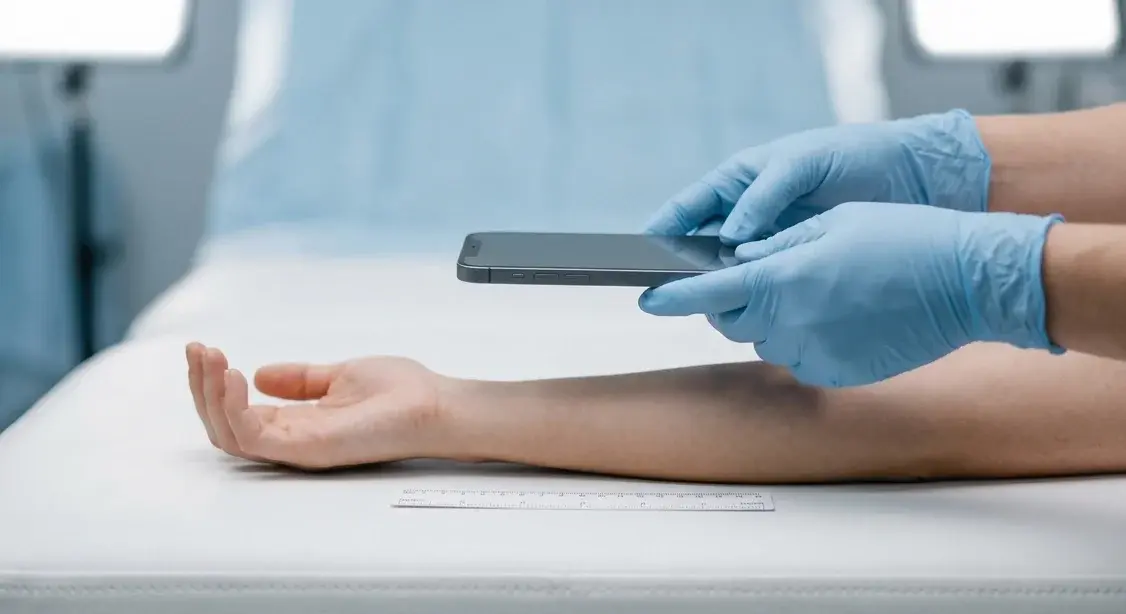
Medical Photography Best Practices: Consistent Positioning for Accurate Progress Tracking
Learn the clinical photography standards used by dermatologists, plastic surgeons, aesthetic practitioners, and wound care specialists to capture consistent, comparable before-and-after images that improve patient outcomes and protect your practice.
Read article
How to Document Wound Healing with Photos (And What to Look for in a Wound Photo App)
A practical wound photography protocol for clinics — consistent lighting, scale, framing, and visit cadence — plus the criteria that matter when choosing a wound photo documentation app.
Read article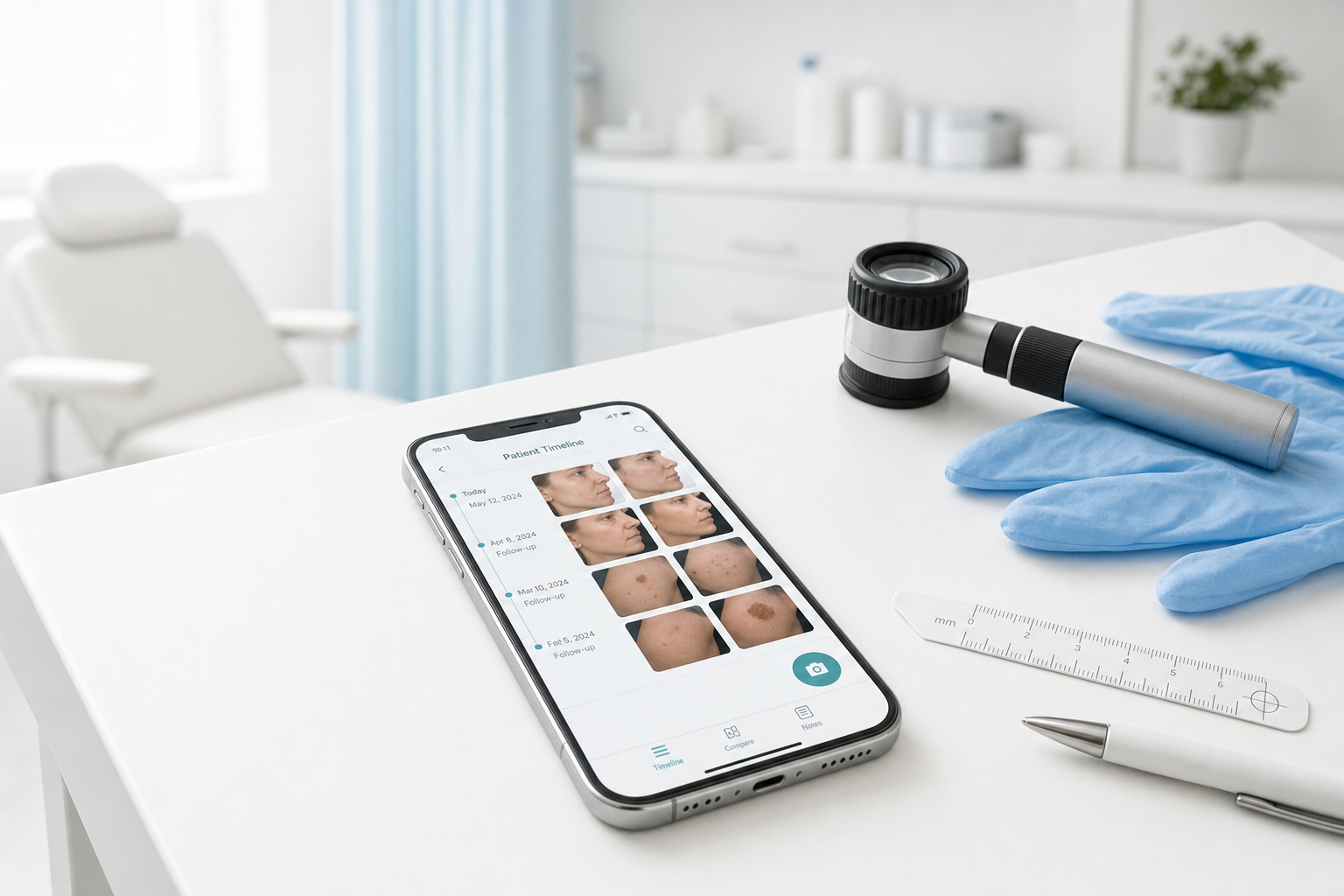
Best Medical Photo Apps for Dermatologists (2026 Buyer's Guide)
Compare the best medical photo apps for dermatologists — standalone mobile tools vs PM platforms vs EMR modules. Pricing, free tiers, comparison features, and who each fits.
Read article