
Your Phone Camera Is Editing Clinical Photos Before You See Them

Same wall, same LEDs, same tape on the floor. The melasma patch looks lighter in the room. On the phone from eight weeks ago, the baseline looks darker than today's follow-up. You did not move the lights. The file did.
Dermatology and aesthetic clinics live on small colour and contour shifts. A phone sold for flattering holiday photos is a poor measuring instrument unless you treat the software between shutter and save as part of the protocol.
This article is educational, not legal advice. Compliance depends on how your practice uses its tools, your contracts, and the laws in your jurisdiction.
After the shutter
The default Camera app on a modern iPhone or Android does not usually store one raw frame. It runs a pipeline: several exposures merged for HDR, noise reduction, sharpening, scene detection, and auto white balance that can shift between shots taken minutes apart in the same room.
Apple describes iPhone HDR as taking multiple photos at different exposures and blending them (Adjust HDR camera settings on iPhone). Helpful for a sunset. Awkward when you are deciding if an IPL pass reduced superficial erythema. Apple's capture APIs also separate a quality path that can use multi-image fusion (Smart HDR, Deep Fusion) from a speed path aimed at a more direct result (WWDC21: Capture high-quality photos using video formats). Consumer apps default to quality. Clinical comparison wants the same rendering every visit.
Beauty and portrait modes are worse because they are honest about the goal: smoother skin, even tone, sometimes altered proportions on the front camera. That is the opposite of documenting filler, texture, or post-inflammatory pigment.
What you see in clinic
Shot-to-shot drift. Baseline on a warm auto white balance, follow-up after an OS update or a colleague's phone with different defaults. The lesion did not change. The pipeline did.
False improvement or false worsening. Smoothing hides acne scarring you are trying to grade. Heavy sharpening makes perioral lines look deeper than they look in the chair. HDR on a shiny wound bed can flatten depth or blow highlights so healing looks slower or faster than it is.
Injector work at two weeks. You need evidence of glabellar softening or lip projection in millimetres. A filter or tone remap can erase it, which feeds the "I don't think it worked" consult we wrote about in why patients don't see their own results. The patient may be wrong about memory. The pixels can be wrong too.
Lighting, distance, and pose still dominate. Our professional before-and-after playbook and botox and filler photography guide cover the room setup. This layer sits underneath: even a perfect setup fails if the renderer changes between visits.
Tighten the stock camera
You will not get laboratory-grade colour from a phone. You can remove the obvious sabotage.
Turn off beauty, skin smoothing, and portrait retouching on every device that shoots patient images, including front cameras. On supported iPhones, Apple documents disabling Smart HDR under Settings > Camera, then toggling HDR in the app (Apple HDR settings). On Android, hunt for HDR, "rich tone", or enhance toggles and write down what you chose so locums match.
Stand at least one metre back for faces and use the 2x or portrait lens (about 50–60 mm equivalent) so wide-angle distortion does not fake volume change. Lock exposure and white balance on neutral skin when the app allows it. Clean the lens. Shoot only in the spot you marked on the floor, with the same artificial lights, not a mix of window and overhead. Those rules are the same ones in medical photography best practices.
Settings are fragile. A software update, a trainee's personal phone, or a patient sending a "progress" selfie from their bathroom mirror reintroduces the same processing.
Capture into the record
HDR off and beauty off still leave two practical gaps.
Images from the stock camera land in a personal roll, mixed with family photos and consumer cloud sync. That is a privacy and workflow problem on its own (personal phones and patient photos). Alignment is still manual: without a guide on the viewfinder, angle and distance drift when you are busy.
PixioDoc is built for the clinical path we use ourselves: in-app camera, photo tied to the patient timeline, nothing saved to your personal gallery. Ghost overlay puts a previous session image on the live viewfinder (opacity adjustable) so follow-up framing matches baseline instead of guesswork. That pairs with the reveal habit in why patients don't see their own results. Capture runs at the device's maximum photo resolution (shipped v1.0.16 in our release notes). We do not claim raw sensor files or that the app switches off Apple Deep Fusion, Google HDR+, or OS beauty pipelines. Those depend on the device. What we do control is patient, framing, storage, and review: progress slider on Free, side-by-side and multi-image layouts on Pro and Teams.
Medspas running toxin, filler, laser, and skin under one roof still want one aesthetic documentation workflow, not four camera rolls. Software does not replace your backdrop. It stops organisation and alignment from undoing the lighting work you already did.
Frequently Asked Questions
Does iPhone HDR change medical before-and-after photos?
It can. Apple documents HDR as blending multiple exposures. Local contrast and colour may not repeat identically on every shot. Turn HDR off when your model allows it, keep lighting even so you do not need aggressive HDR, and hold the rest of your protocol constant.
Should beauty mode be off for patient photos?
Yes. Any automatic smoothing or tone "evening" edits the surface you are meant to document. Disable it on rear and front cameras used for clinical images.
Is the default phone camera good enough for dermatology?
For quick snaps, sometimes, if settings are locked and the scene is standardised. For serial comparison, default apps optimise for shareable output, not measurement. Auto white balance and scene detection vary shot to shot. Many clinicians capture into a dedicated app so images stay on the patient timeline and comparisons happen in the consult.
Does PixioDoc disable HDR or beauty filters?
PixioDoc offers an in-app clinical camera, ghost overlay, full-resolution capture, and patient-timeline storage. Our public site docs do not state that the app disables the operating system's multi-frame fusion or beauty pipelines. Use device settings to turn those off where you can, and use PixioDoc for aligned capture, encrypted EU-hosted storage, and comparison in the chair.
Capture into a clinical timeline, not your camera roll. Free for up to 10 patients and 5 sessions each, including ghost overlay and the progress slider. Download on the App Store or Google Play, or see the aesthetic medicine workflow.
Keep patient photos out of your camera roll
PixioDoc gives you a dedicated workspace to capture, compare, and share patient photos — organized by patient timeline, never mixed with your personal gallery.
EU-hostedEncrypted in transit & at rest
Keep reading
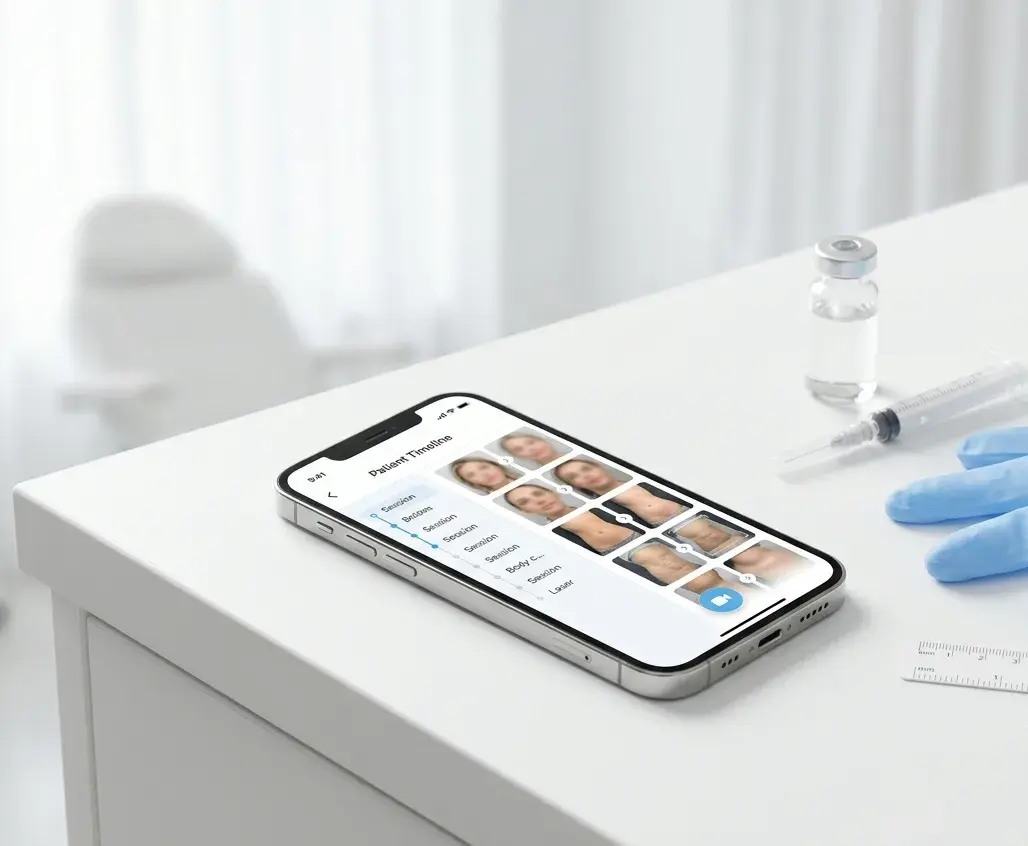
Medspa Photo App: Document Botox, Body, and Laser Treatments in One Workflow
How medspas document injectables, body contouring, laser, and peel results in one patient timeline — and what to look for in a medspa photo app.
Read article
How to Take Professional Before-and-After Photos in Your Clinic
A camera-agnostic playbook for clinicians and medspas: lighting, framing, distance, and a smartphone workflow for before-and-after photos that look professional.
Read article
How to Take Consistent Before-and-After Photos for Botox and Filler
A practical photography workflow for aesthetic injectors — repeatable lighting, the right view set for toxin and filler, animation states that actually compare, and the storage rules medspas keep getting wrong.
Read article